Digital SAT practice
SAT Practice, One Official Question at a Time
Practice 3,700+ official College Board questions, 1,300+ questions on the Past SAT Vault, Bluebook-style practice tests, a daily guided plan, video courses and flashcards. Need extra support? Scholarly Tutor is there 24/7 to explain why your answer was wrong, show you how in Desmos or make a personalized study plan for you.
See SAT Scholar in 2 minutes
A quick walkthrough: 3,700+ official College Board questions, one at a time, the Past SAT Vault, Scholarly Tutor, practice tests, your guided plan, the courses and flashcards.
See where your score could land
Pick a test date and how much you'll practice each week, and see a projection of your score by test day.
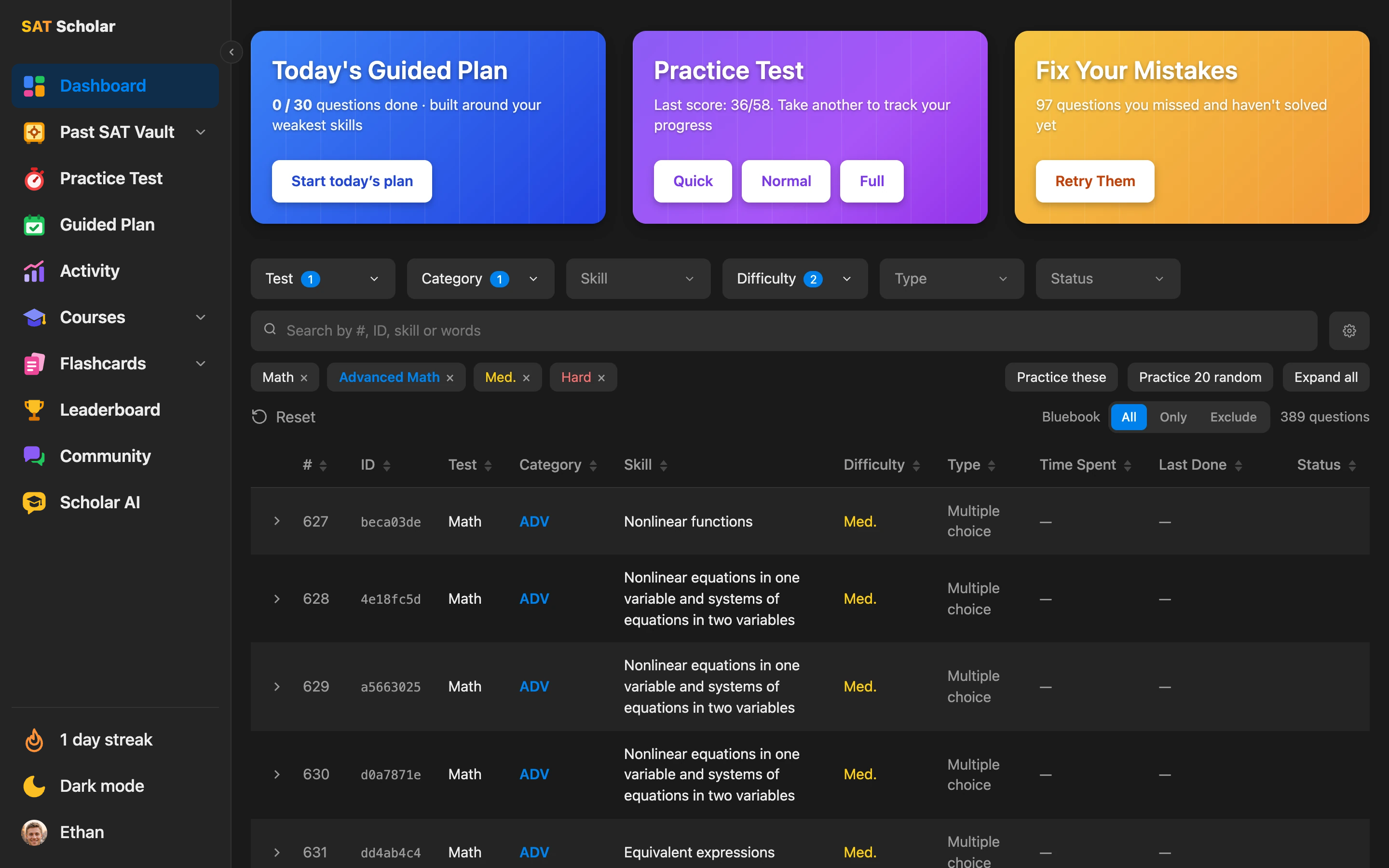
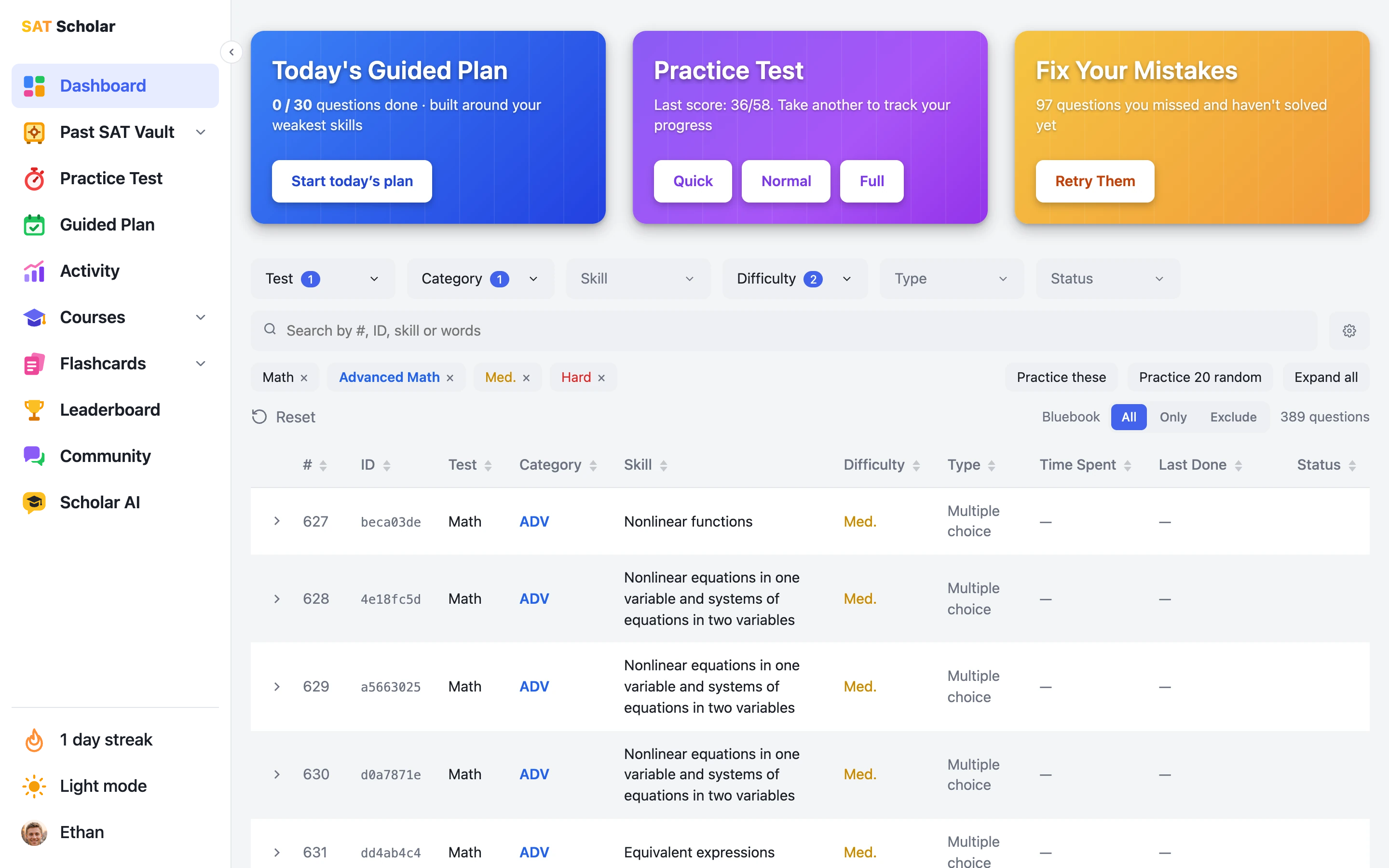
The Official SAT Question Bank, Organized
Every question from the College Board's official SAT question bank, sorted by test, domain, skill and difficulty. Search by question ID, skill or any words in the question, open any question right in the list and show its answer and official explanation, and see what you've already solved and when you last did it. The Bluebook switch lets you practice all questions, only the 2,022 that appear in Bluebook's official practice tests, or leave those out so the tests stay fresh for test day.
- SAT Math: Algebra, Advanced Math, Problem-Solving and Data Analysis, Geometry and Trigonometry
- Reading and Writing: Information and Ideas, Craft and Structure, Expression of Ideas, Standard English Conventions
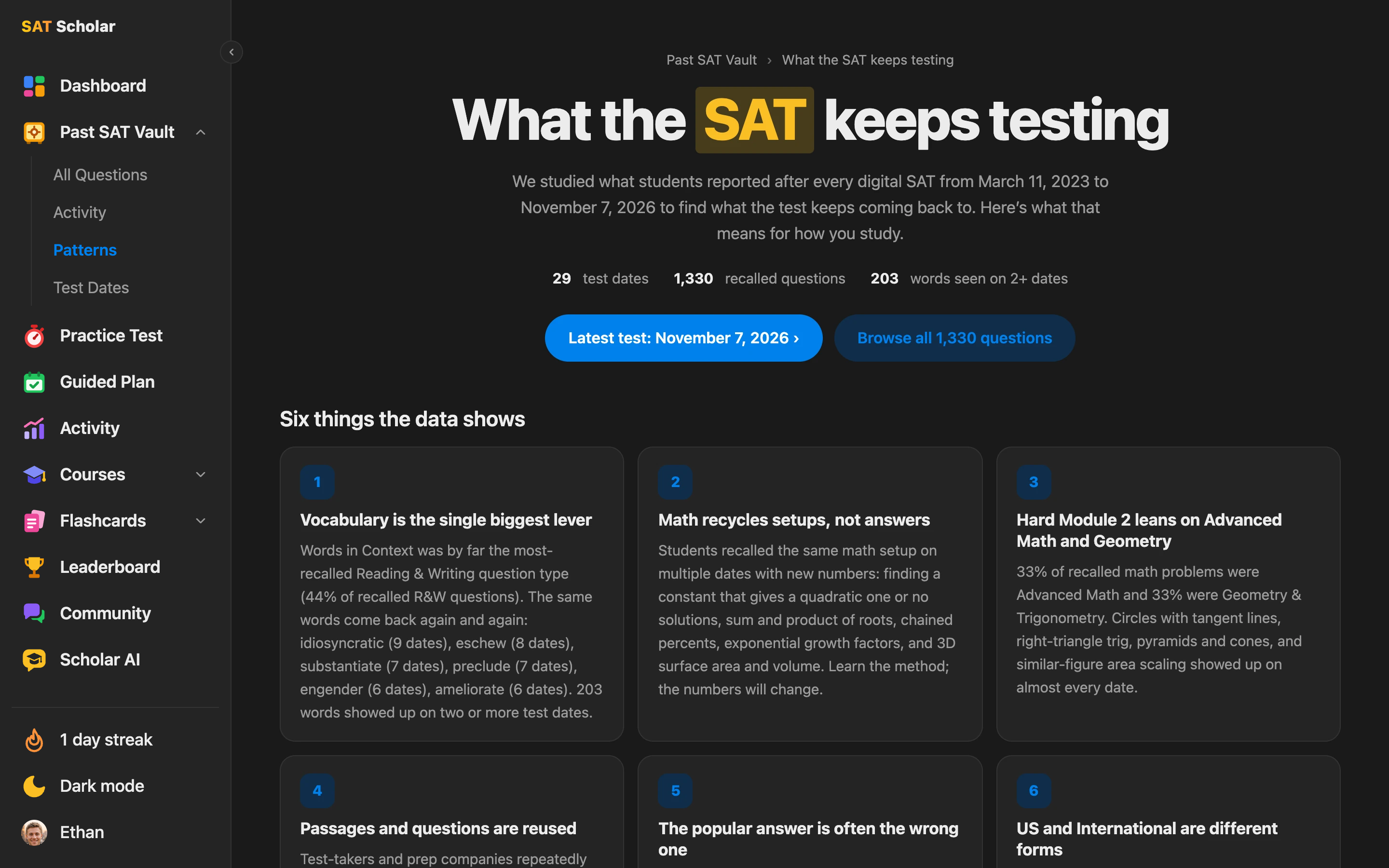
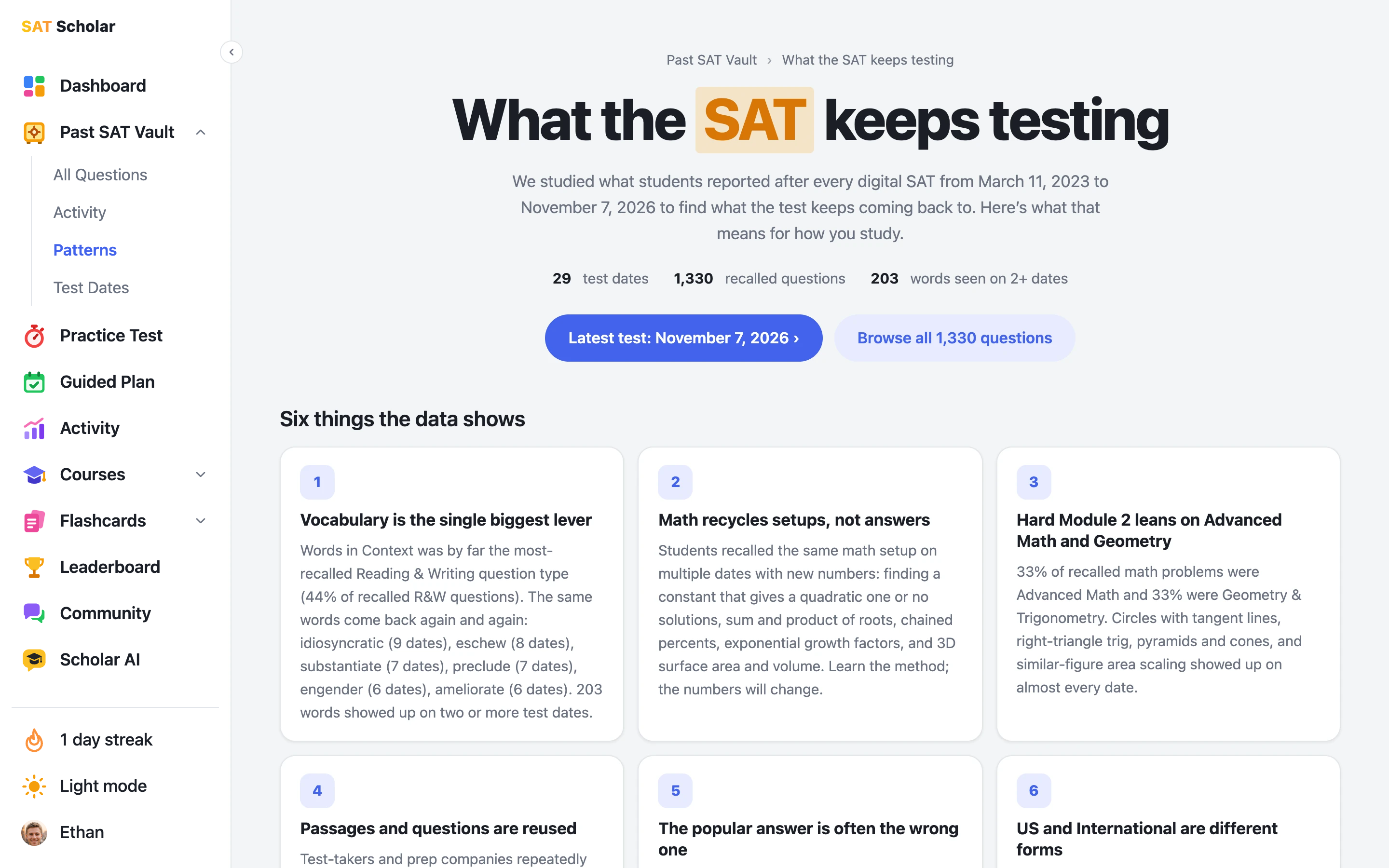
The Past SAT Vault: What the SAT Keeps Testing
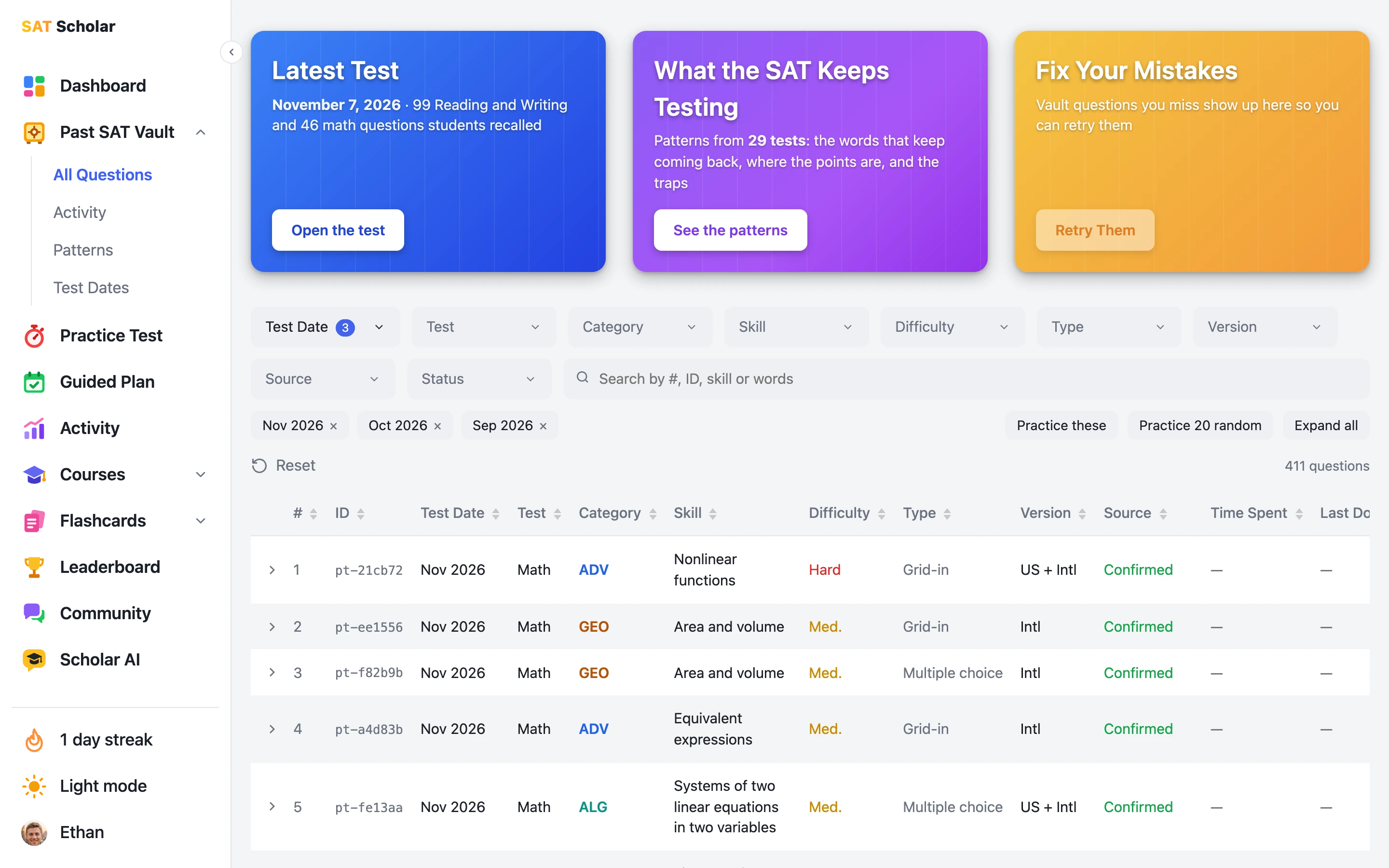
A members-only collection of 1,411 questions students recalled after all 29 digital SATs since March 2023, up to November 7, 2026, rebuilt with answers and College Board-style explanations. Filter them by test date, section, skill, difficulty and type, open them with a timer in Bluebook or Prep style, and see the patterns that keep coming back: the words, where the points are, and the traps. You can even add Vault questions to your practice tests.
The Vault has a page for every test date, its own Activity page and a set of the Vault questions you missed, and its practice stays apart from your official stats and score estimate. Not a member yet? Try 9 questions free, no account needed.
Open the Past SAT Vault ›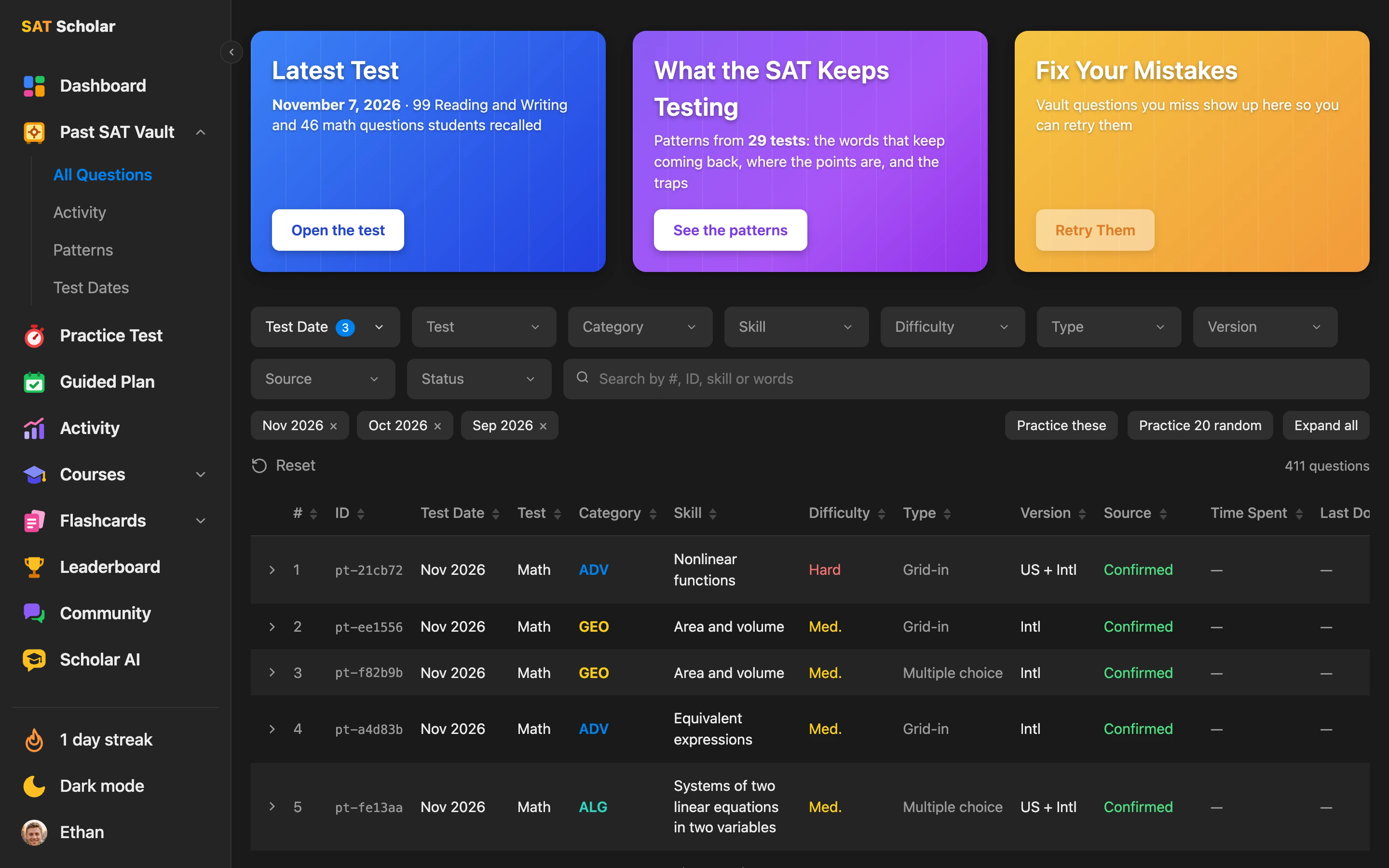
Meet Scholarly Tutor, your AI SAT tutor
It knows the official questions, the Past SAT Vault and our course methods, and it's there the moment you get stuck. Tap a question to see how it helped an example student.
About a question
About you
About the SAT
Sample answers for an example student. Scholarly Tutor can make mistakes, so check it against the official explanation.
Ask right under the question
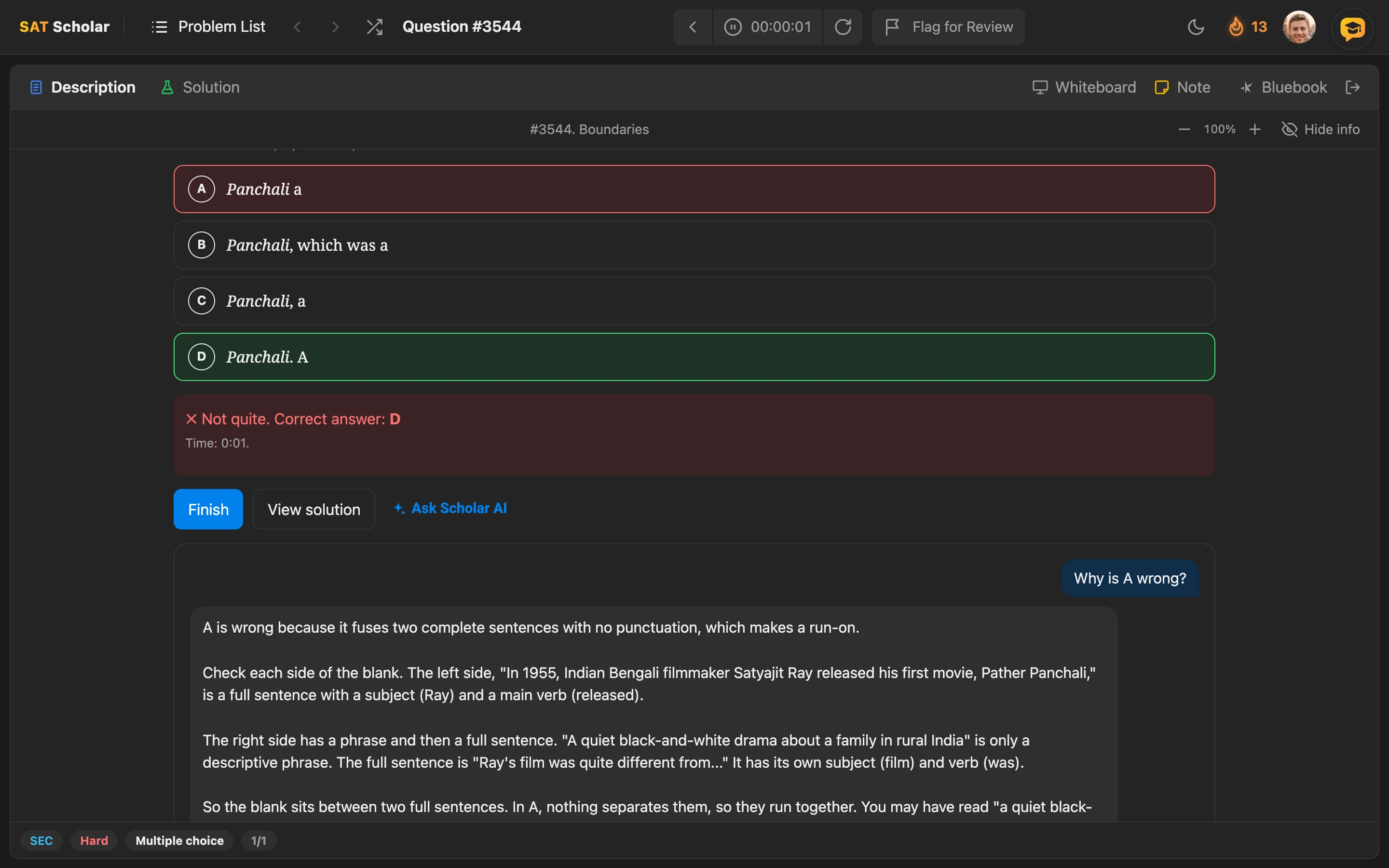
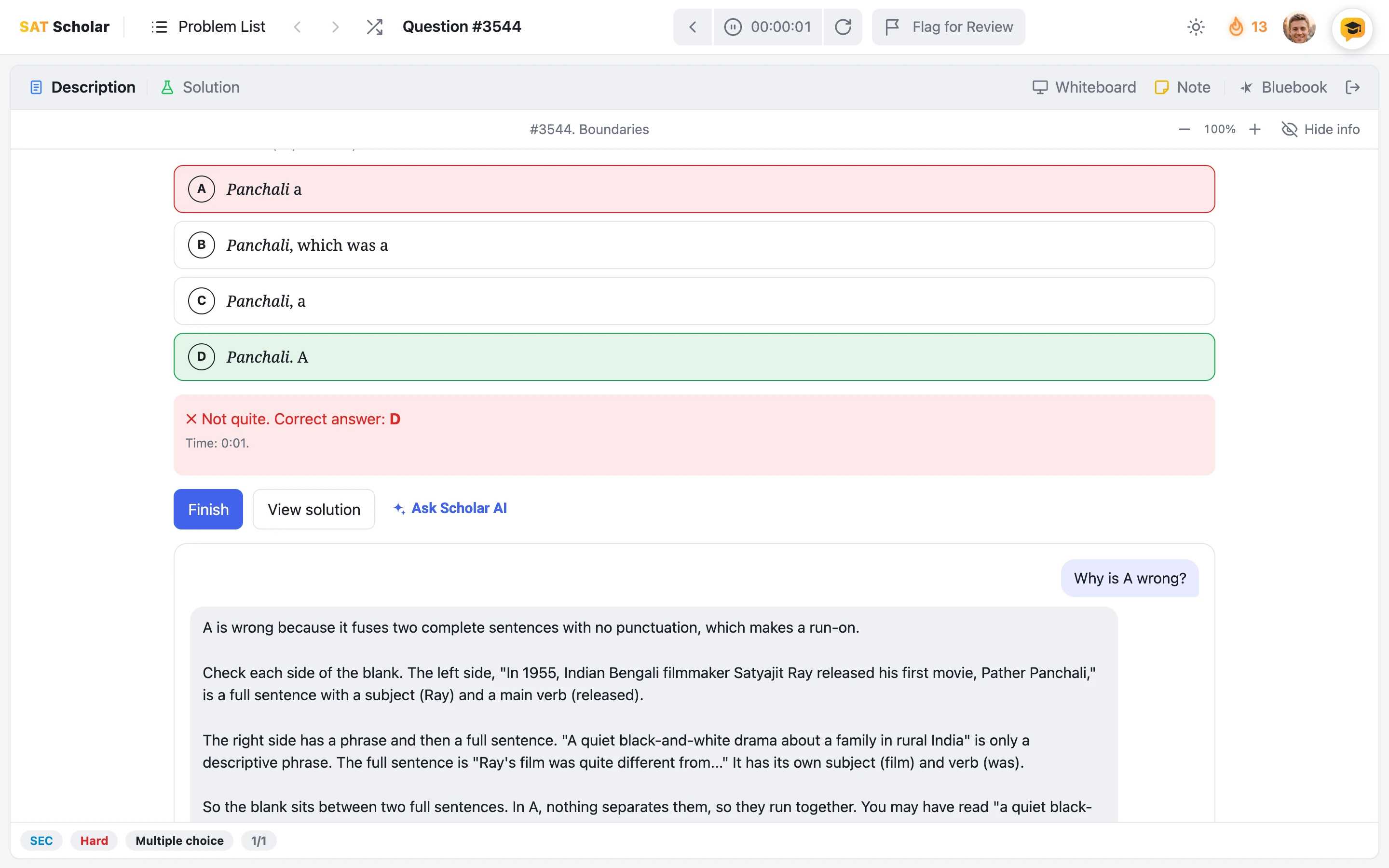
Check an answer and Ask Scholarly Tutor is right there. Ask why your choice was wrong, what the trap was, or how to spot it faster. It's on practice, Guided Plan, Past SAT Vault and practice test review questions. If you haven't tried a question yet, it gives you hints and holds back the answer.
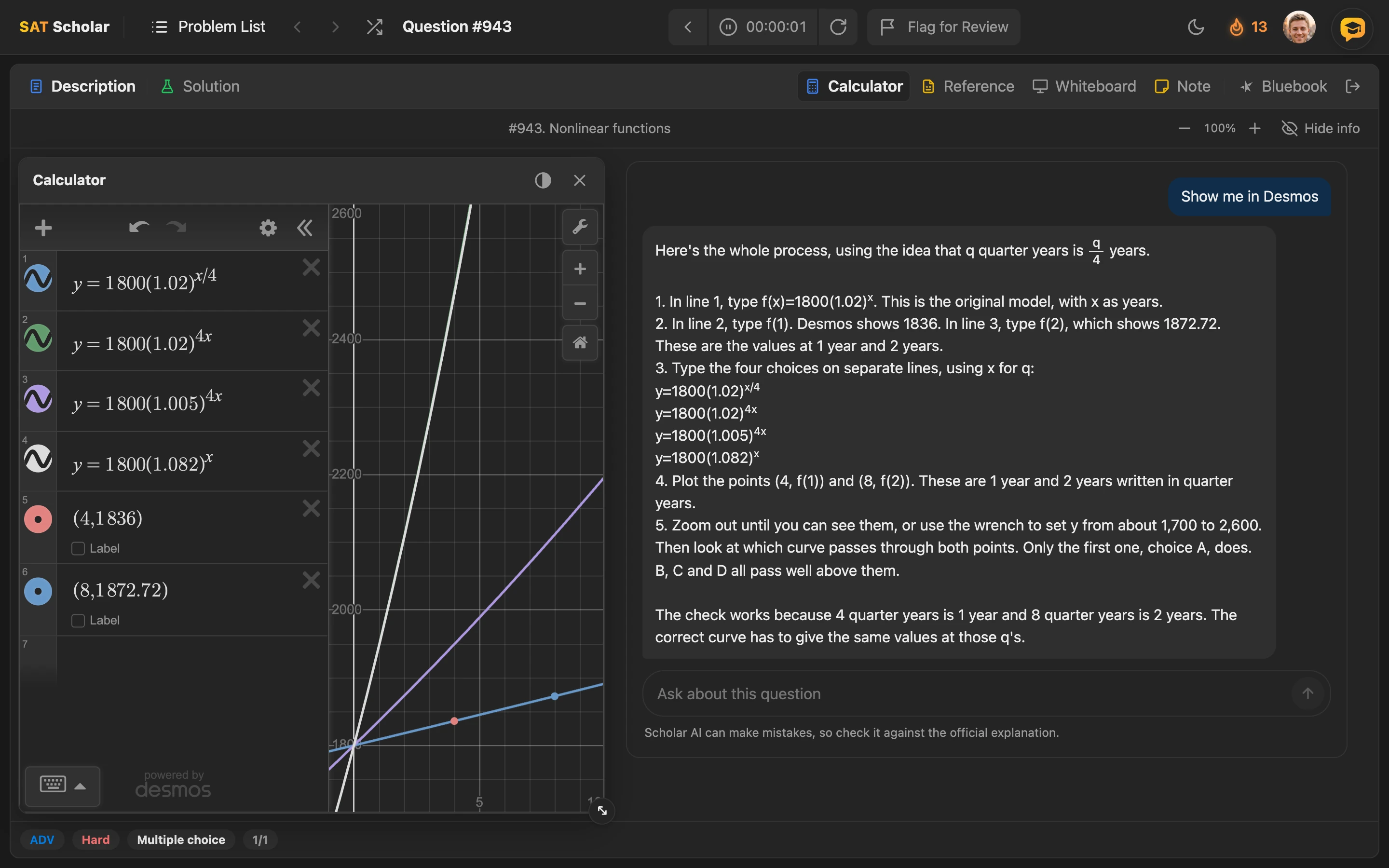
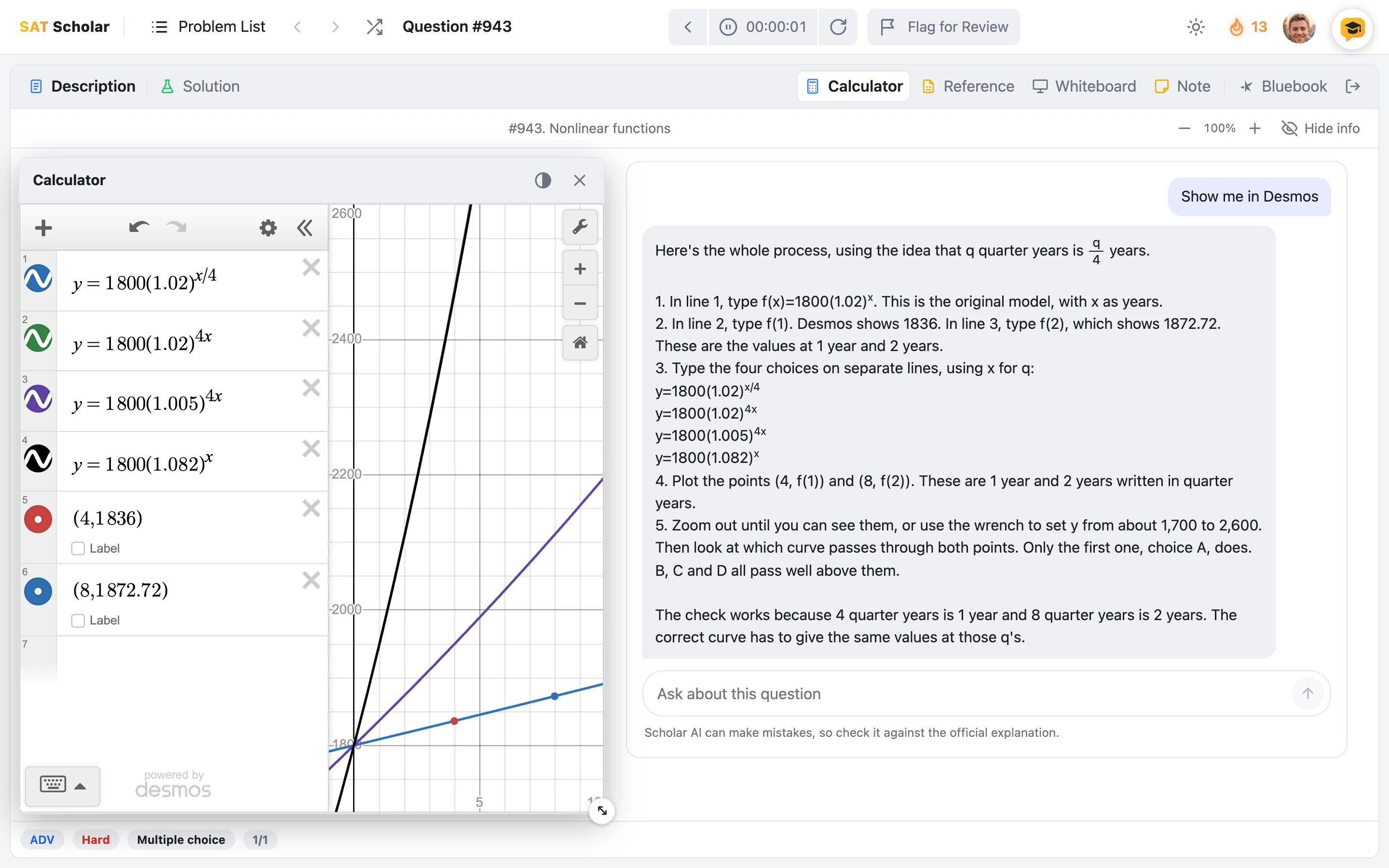
Show me in Desmos
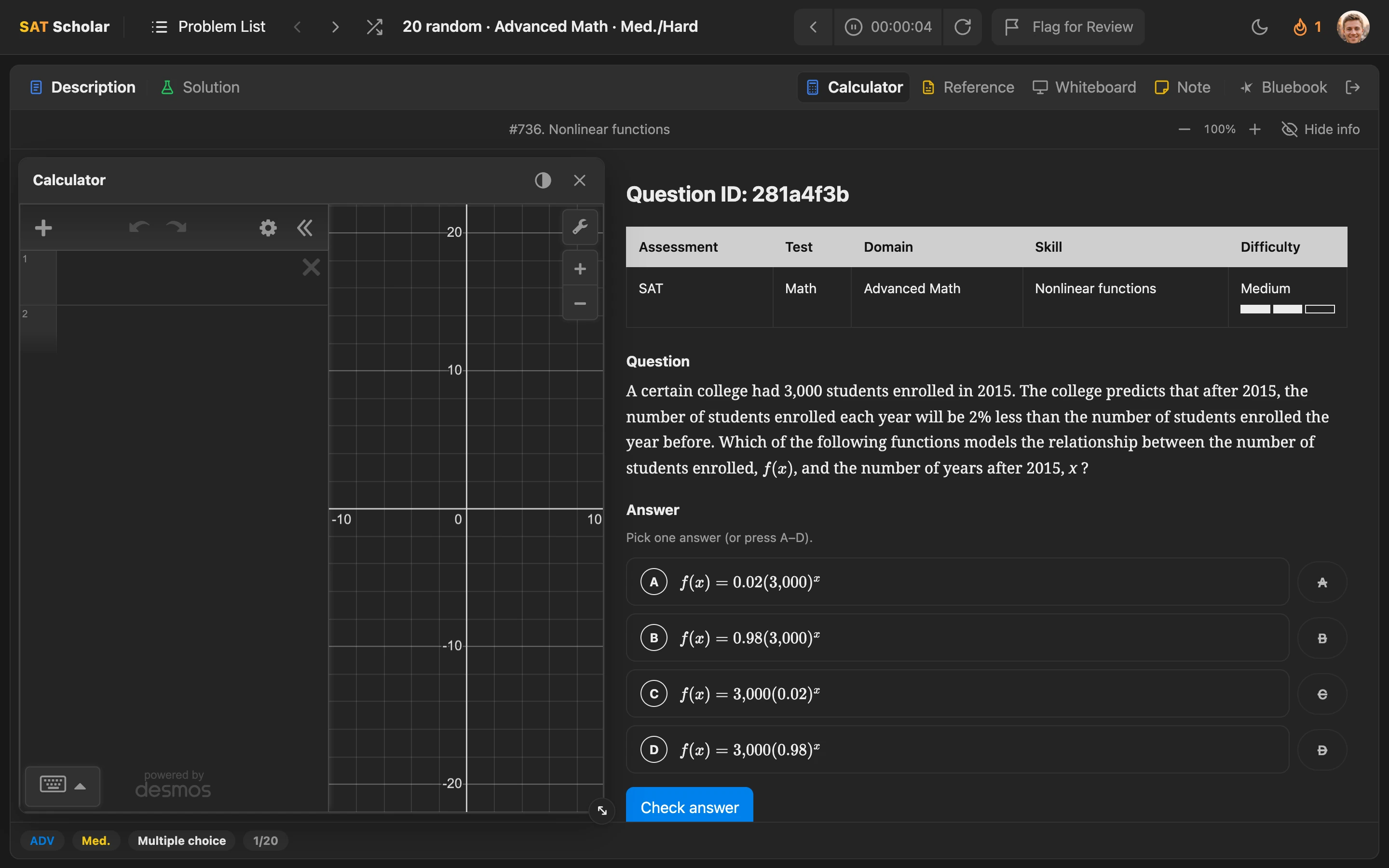
On math questions, one tap gets you the setup, step by step, next to the same calculator you'll have on test day. If Desmos wouldn't really help on a question, it says so and shows you the fastest way instead.
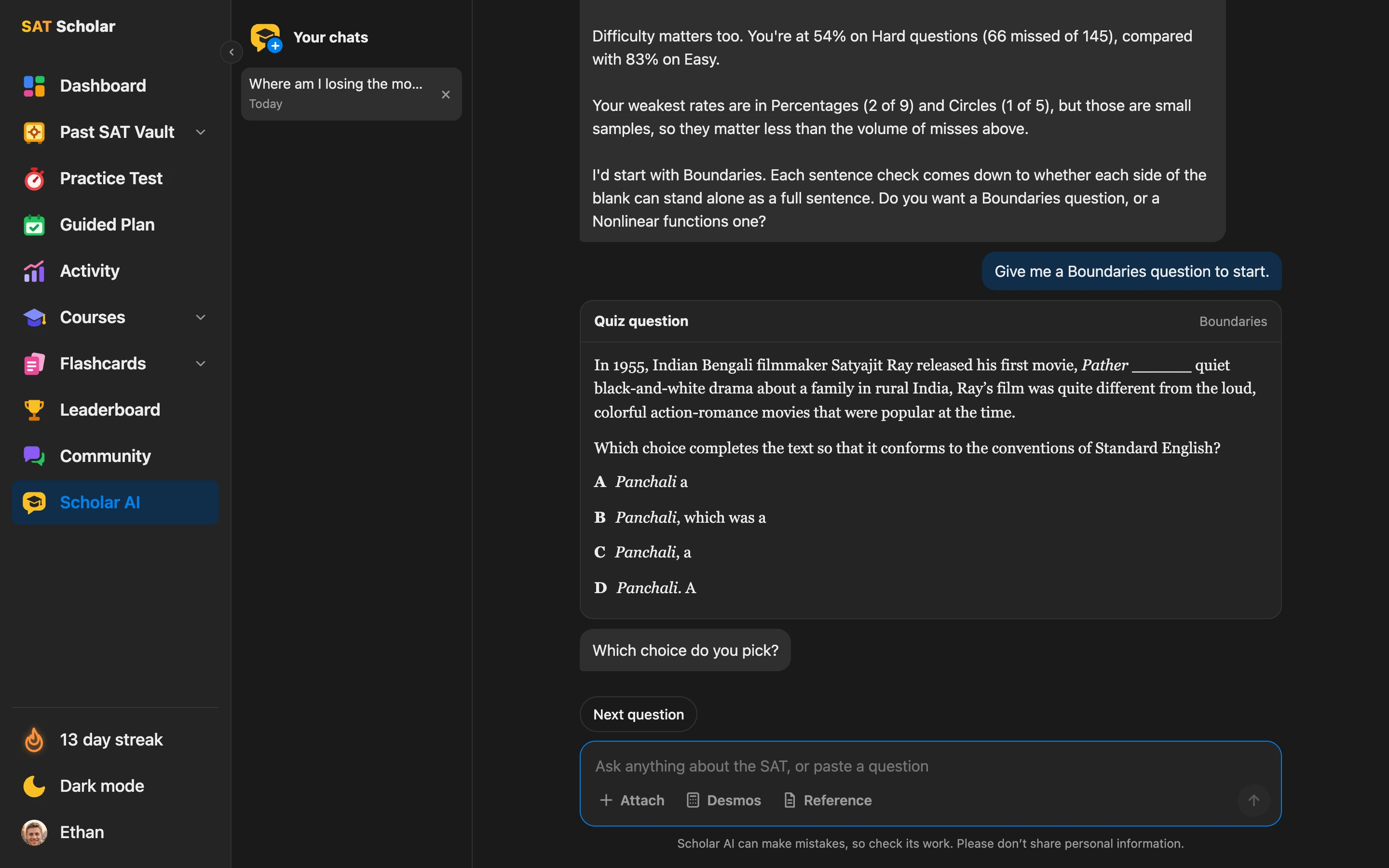
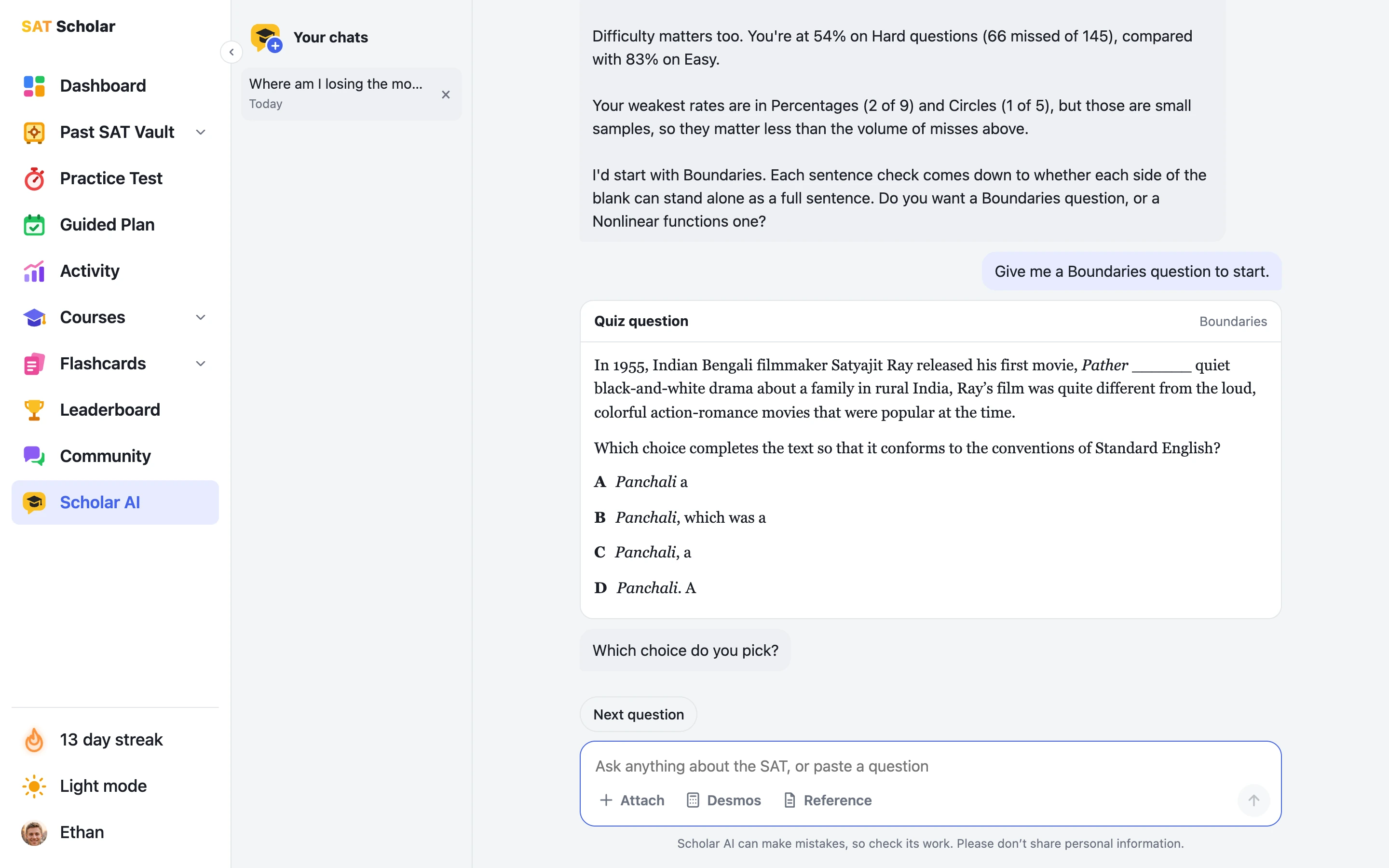
A full page for bigger questions
Ask where you're losing points, get quizzed on a weak skill with a real question, review what you missed, or attach a picture of a question from anywhere. It reads your progress only when you ask, and your chats are saved so you can pick up where you left off.
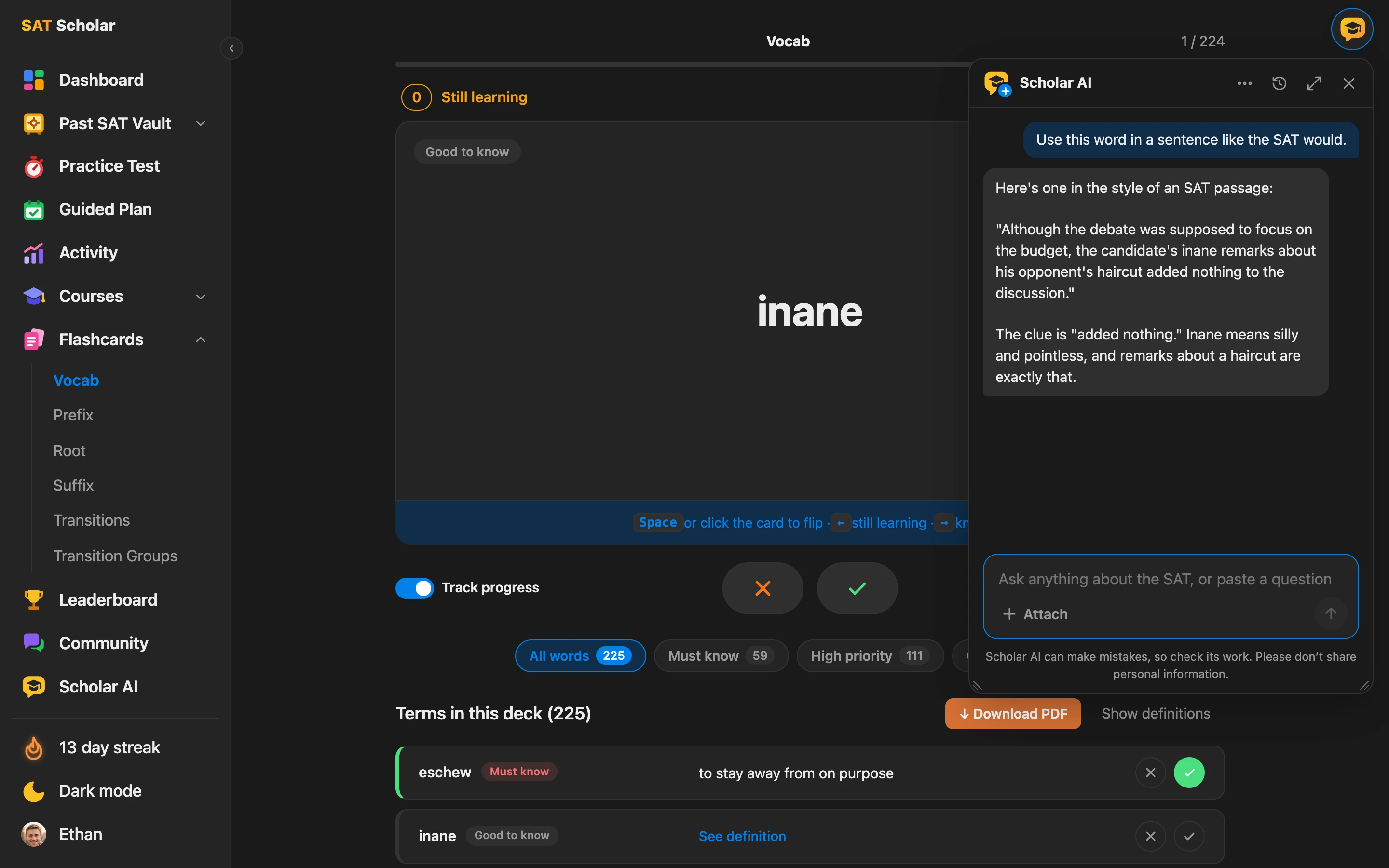
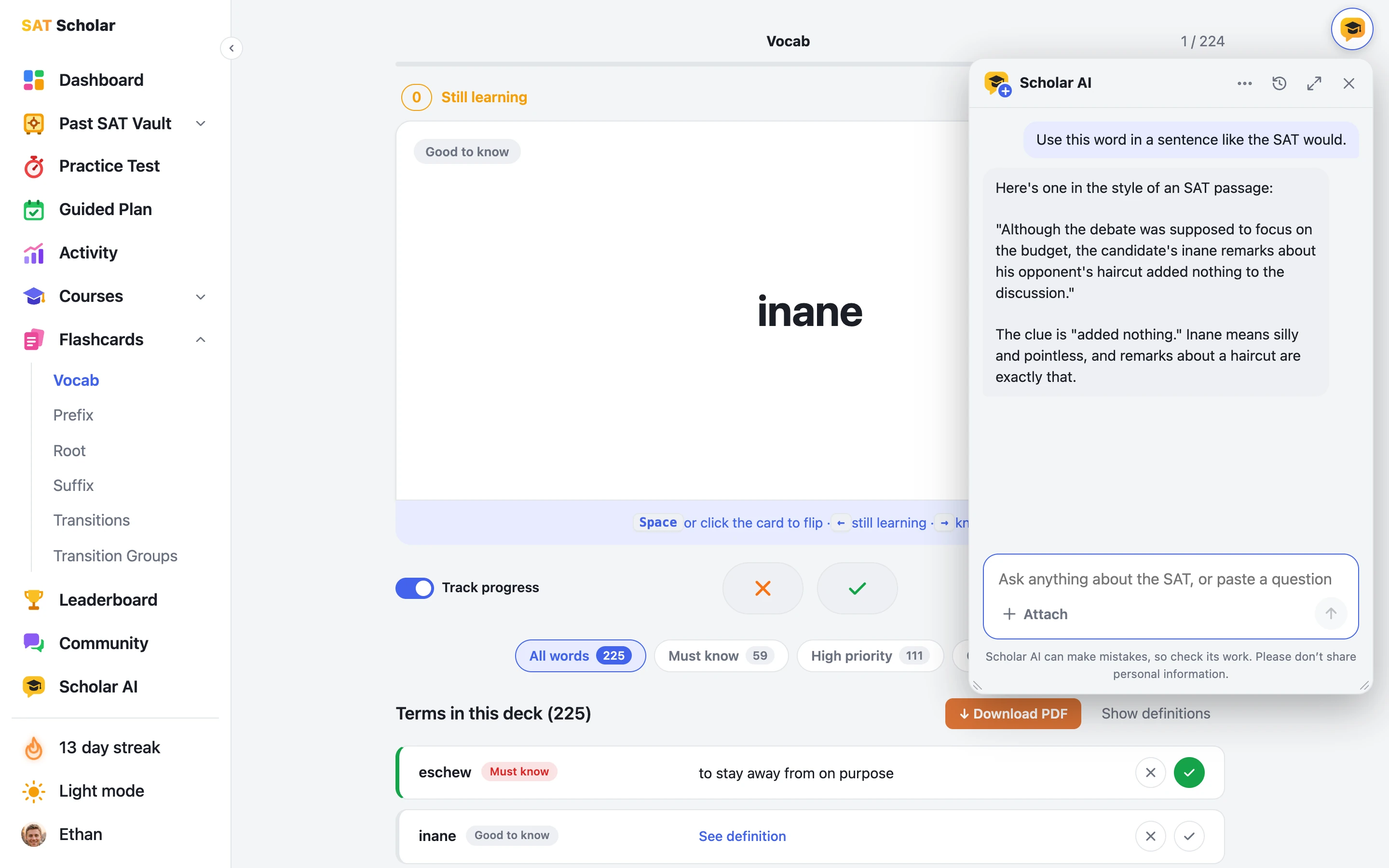
A chat window on every page
The button in the top corner opens Scholarly Tutor in a window you can drag and resize. It knows the page you're on, so you can ask about the flashcard, lesson or question in front of you. It stays out of the way while you take a practice test.
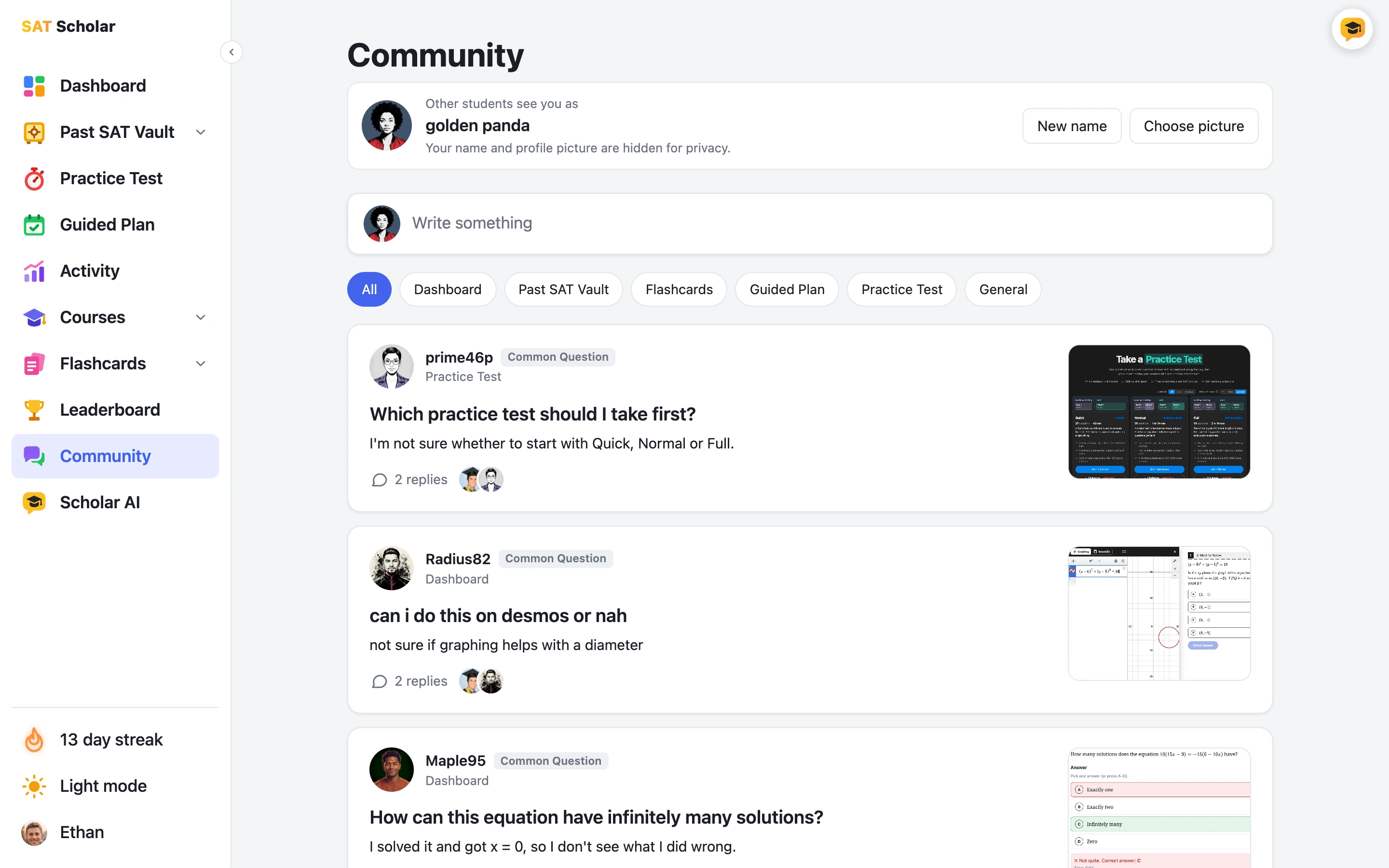
A Community for Your SAT Questions
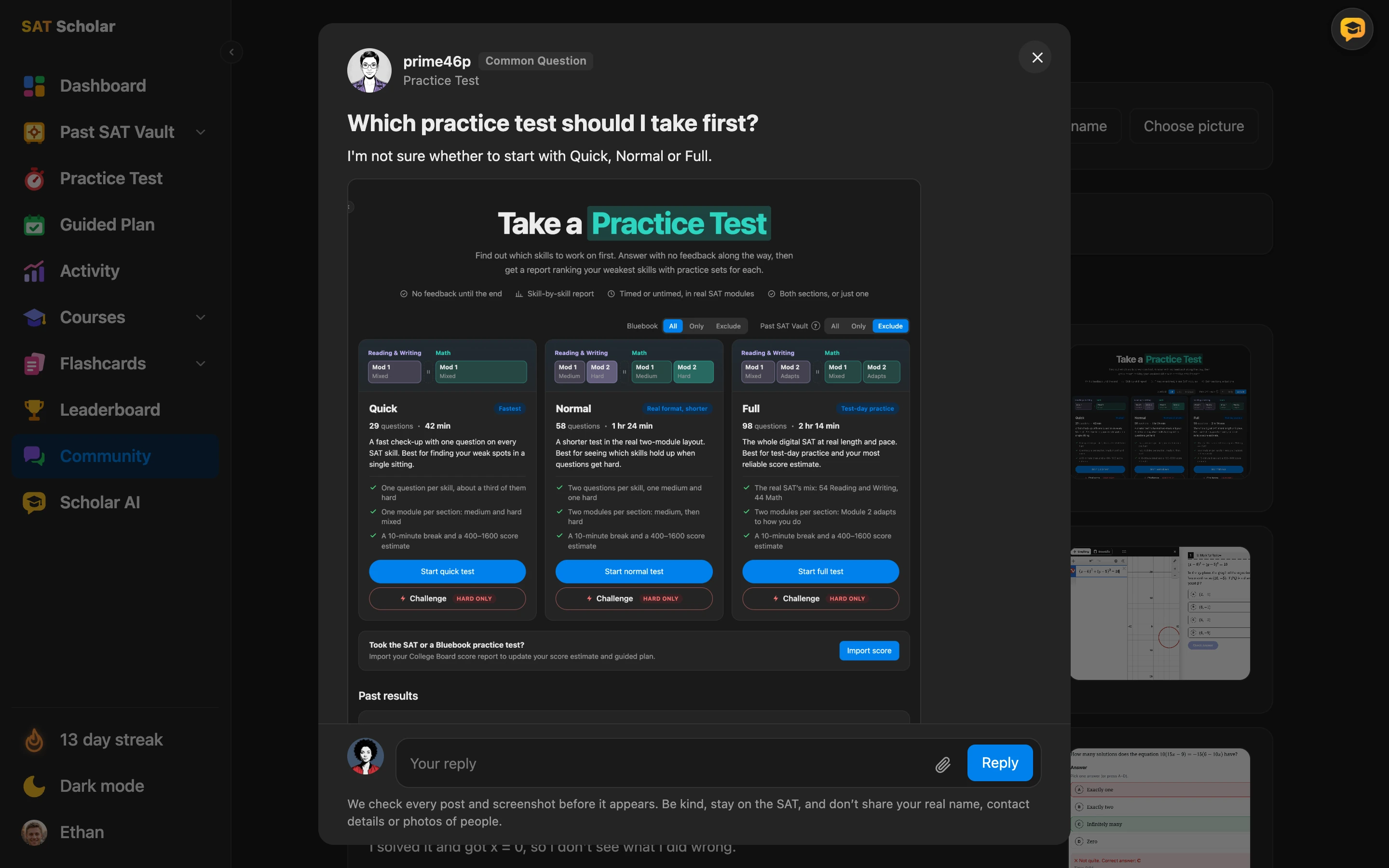
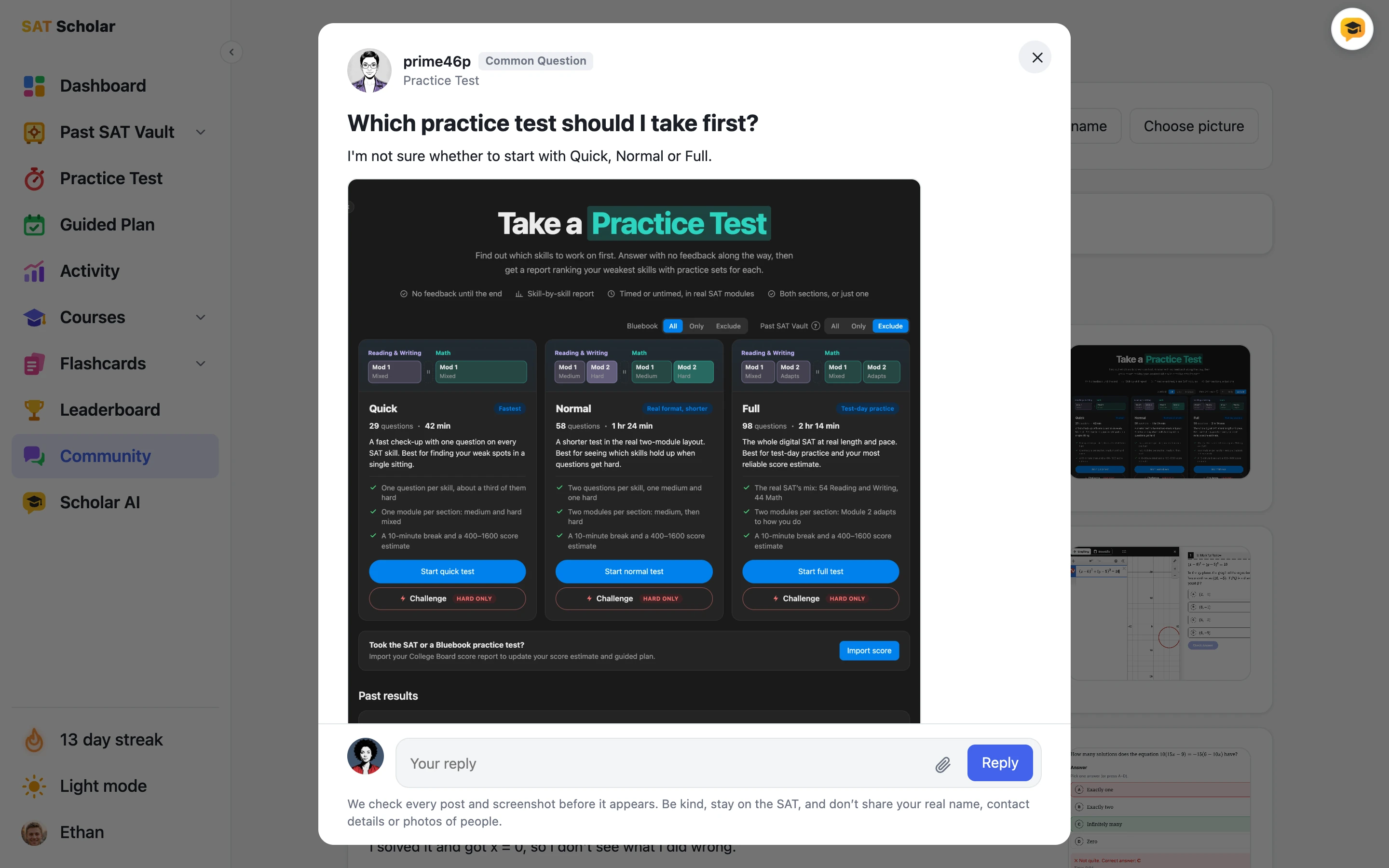
Stuck on something and want another student's take? Post it with a screenshot and tag where it came from: the Dashboard, the Past SAT Vault, flashcards, the Guided Plan or a practice test. Browse Common Questions, written by SAT Scholar and already answered, on topics like which test to take first and whether a problem works in Desmos.
Your name and profile picture are hidden for privacy, and we check every post and screenshot before it appears. Anyone can read, and members, trials included, can post and reply.
Visit the Community ›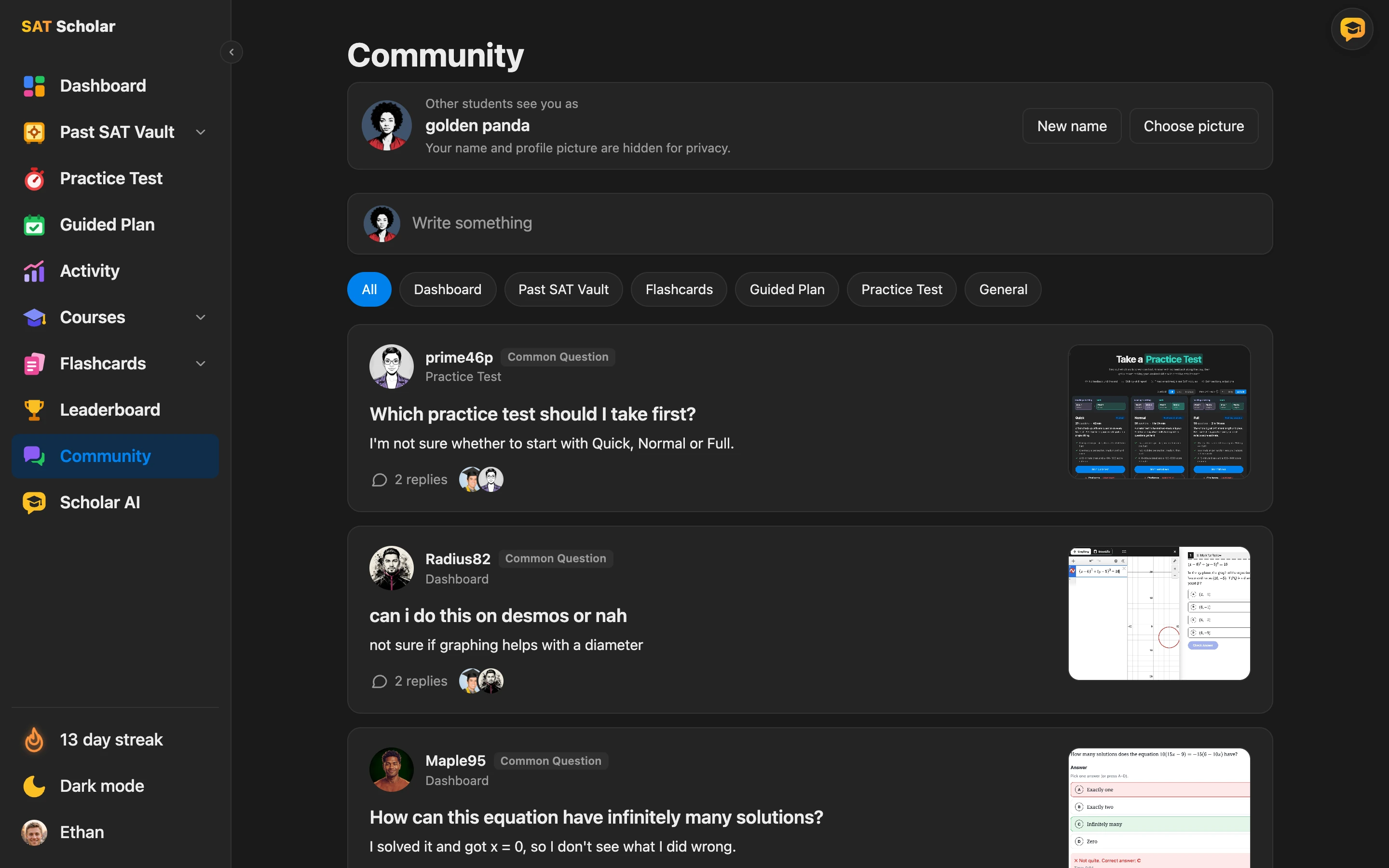
Study Every Question Your Way
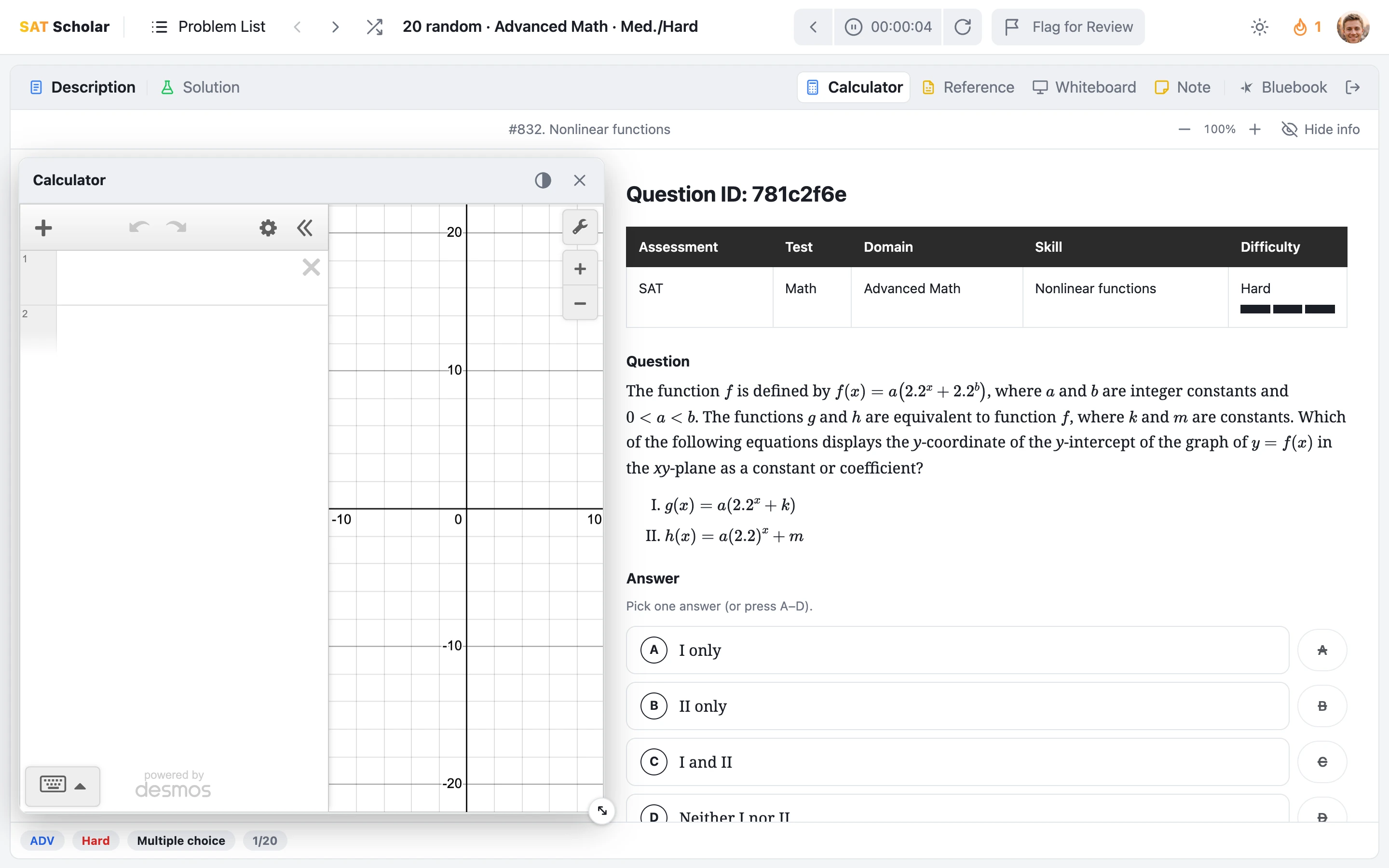
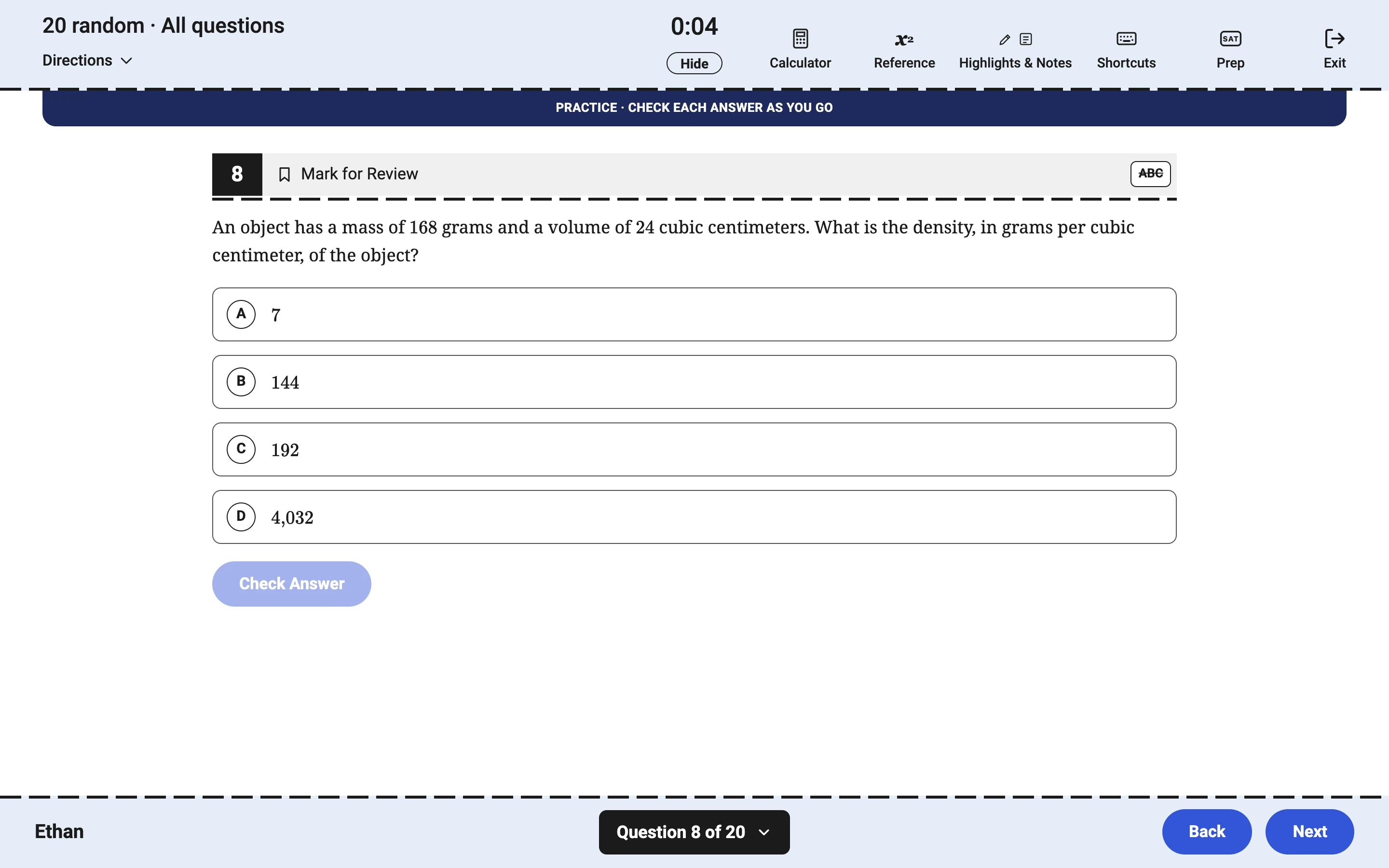
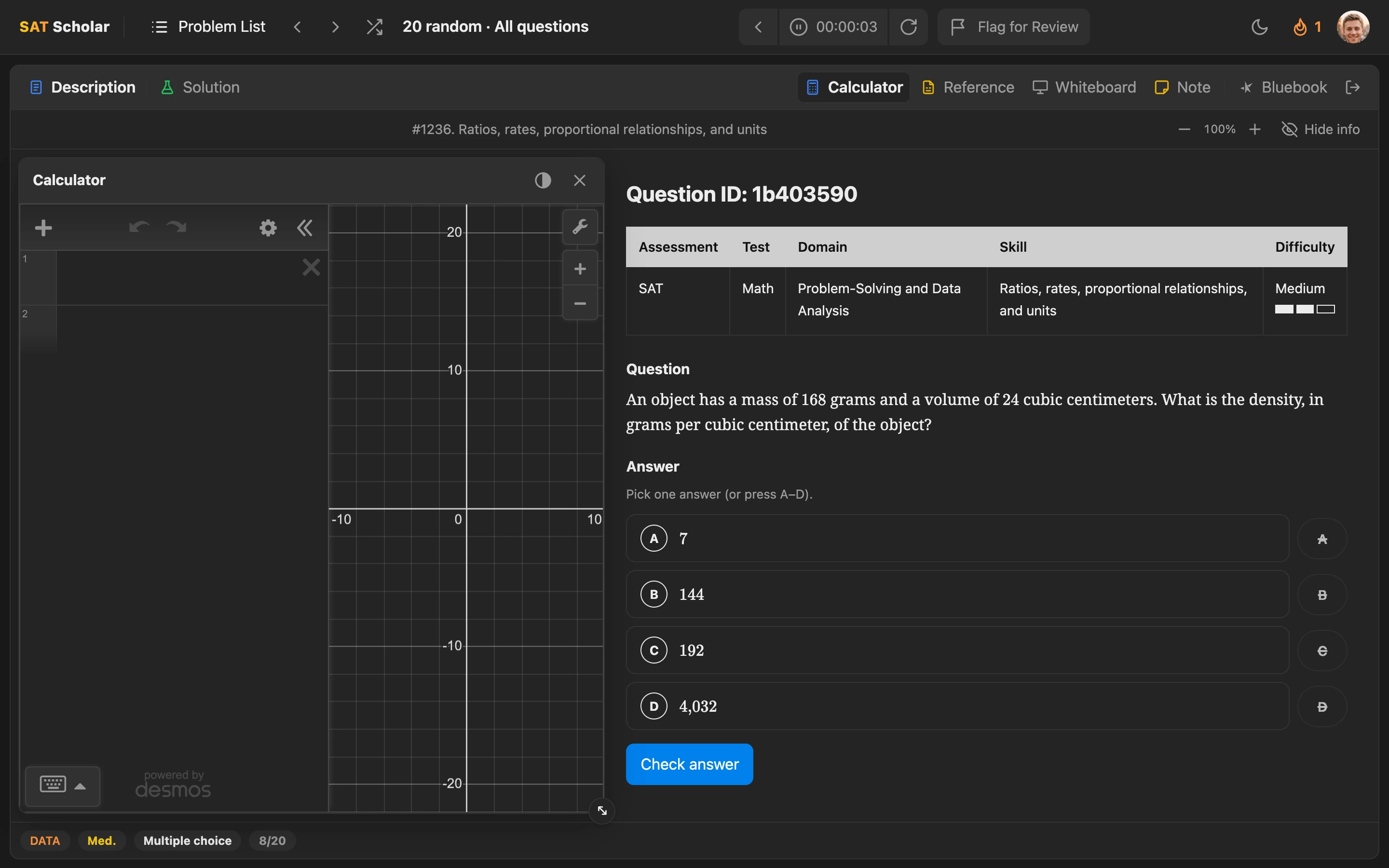
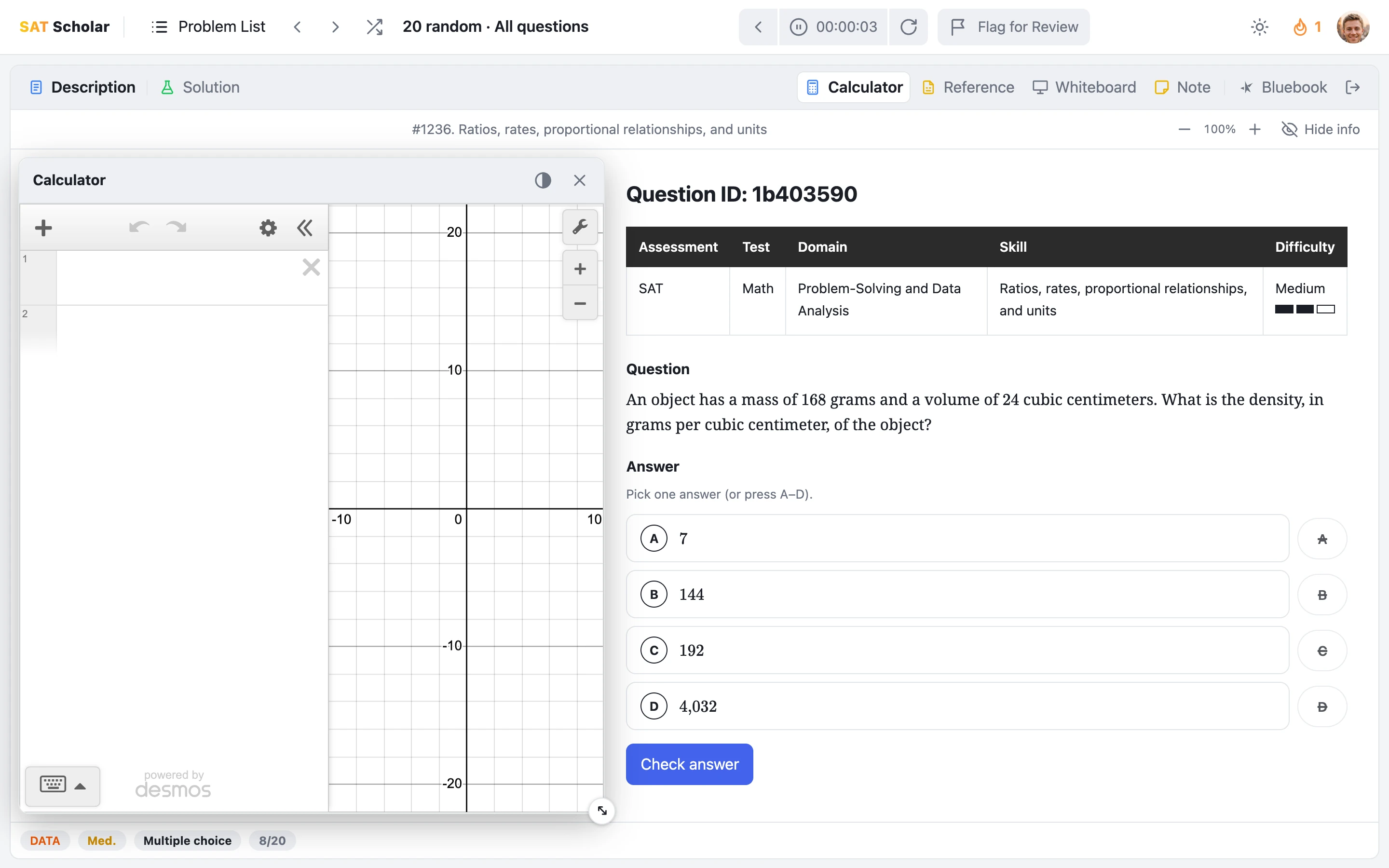
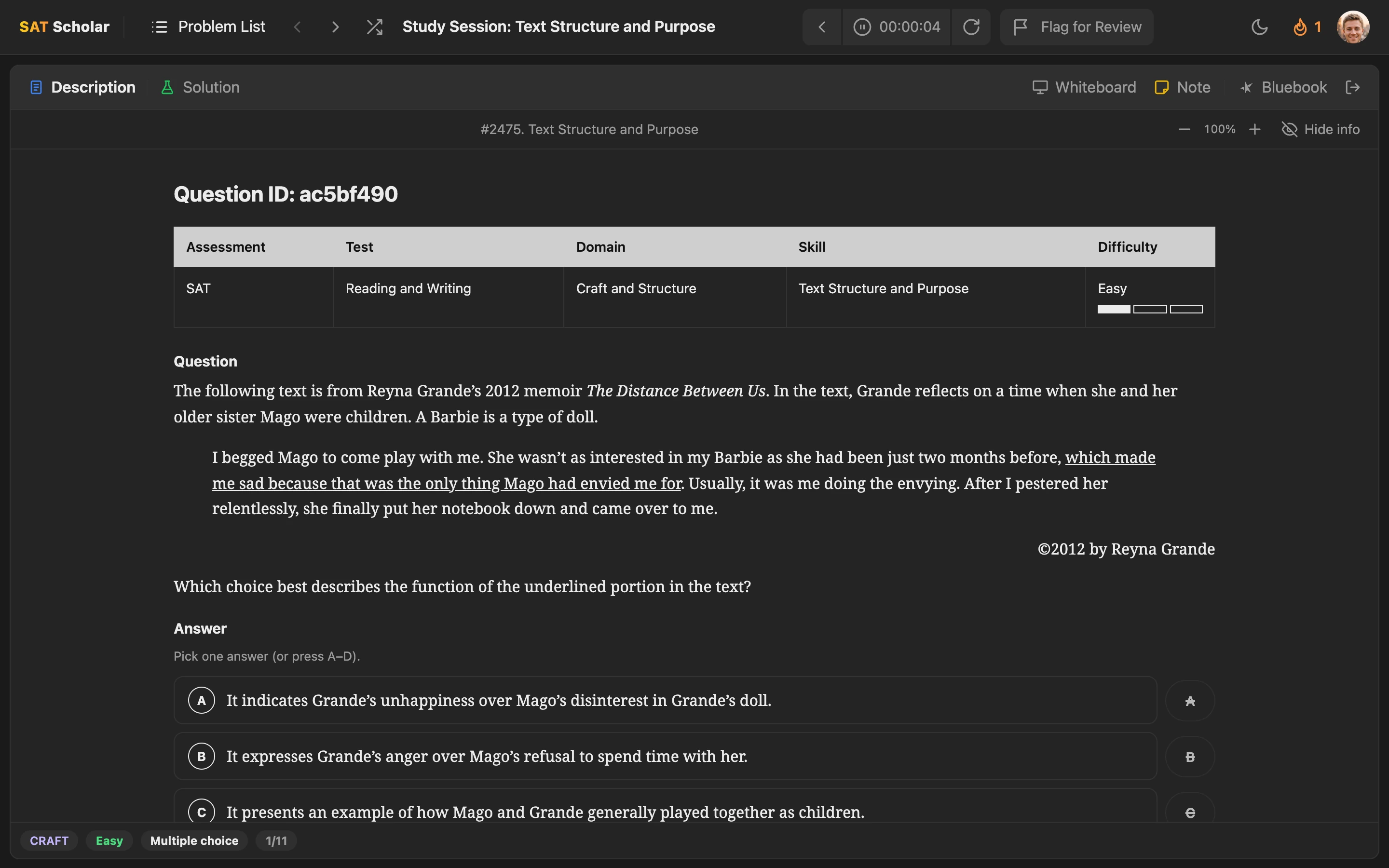
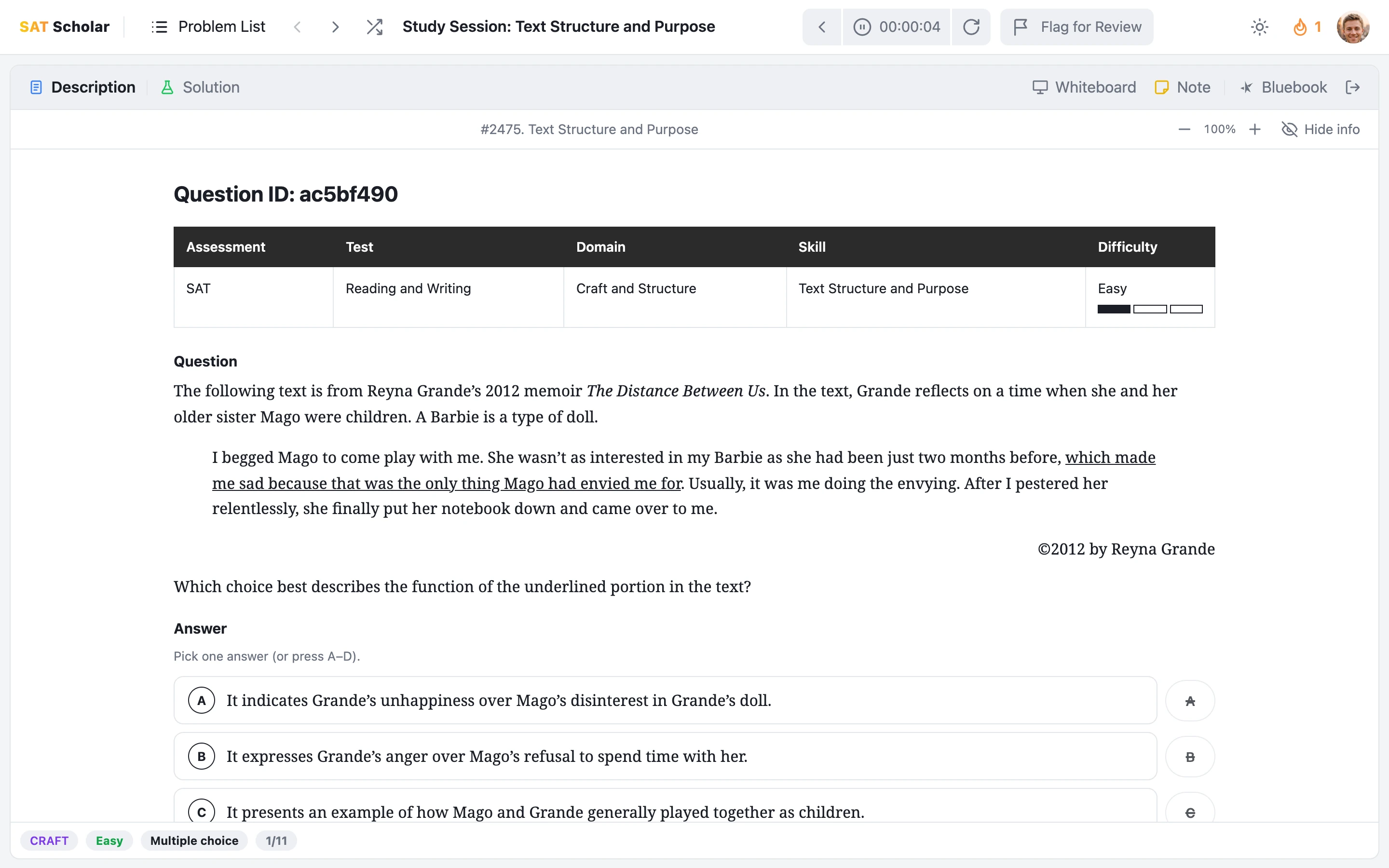
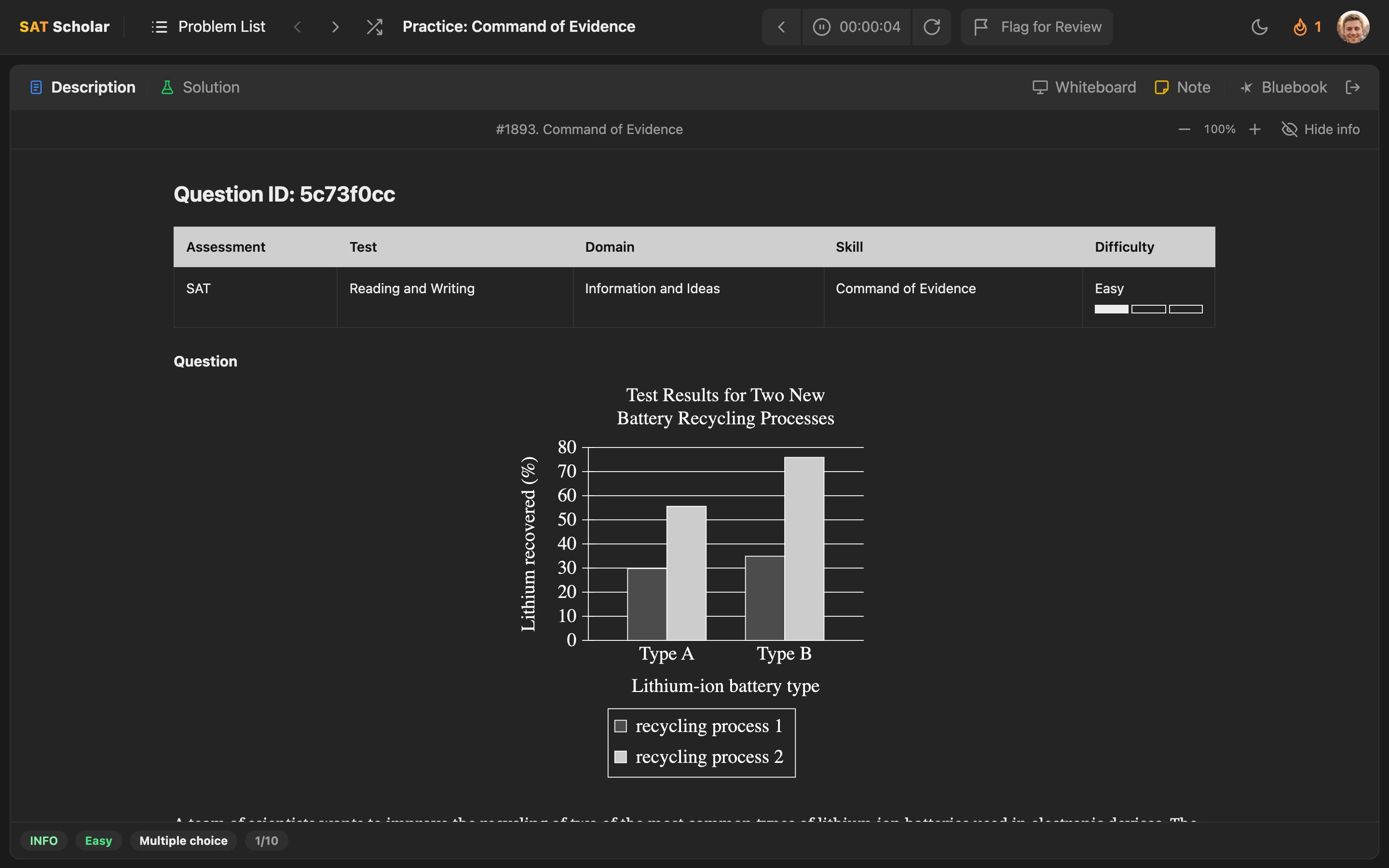
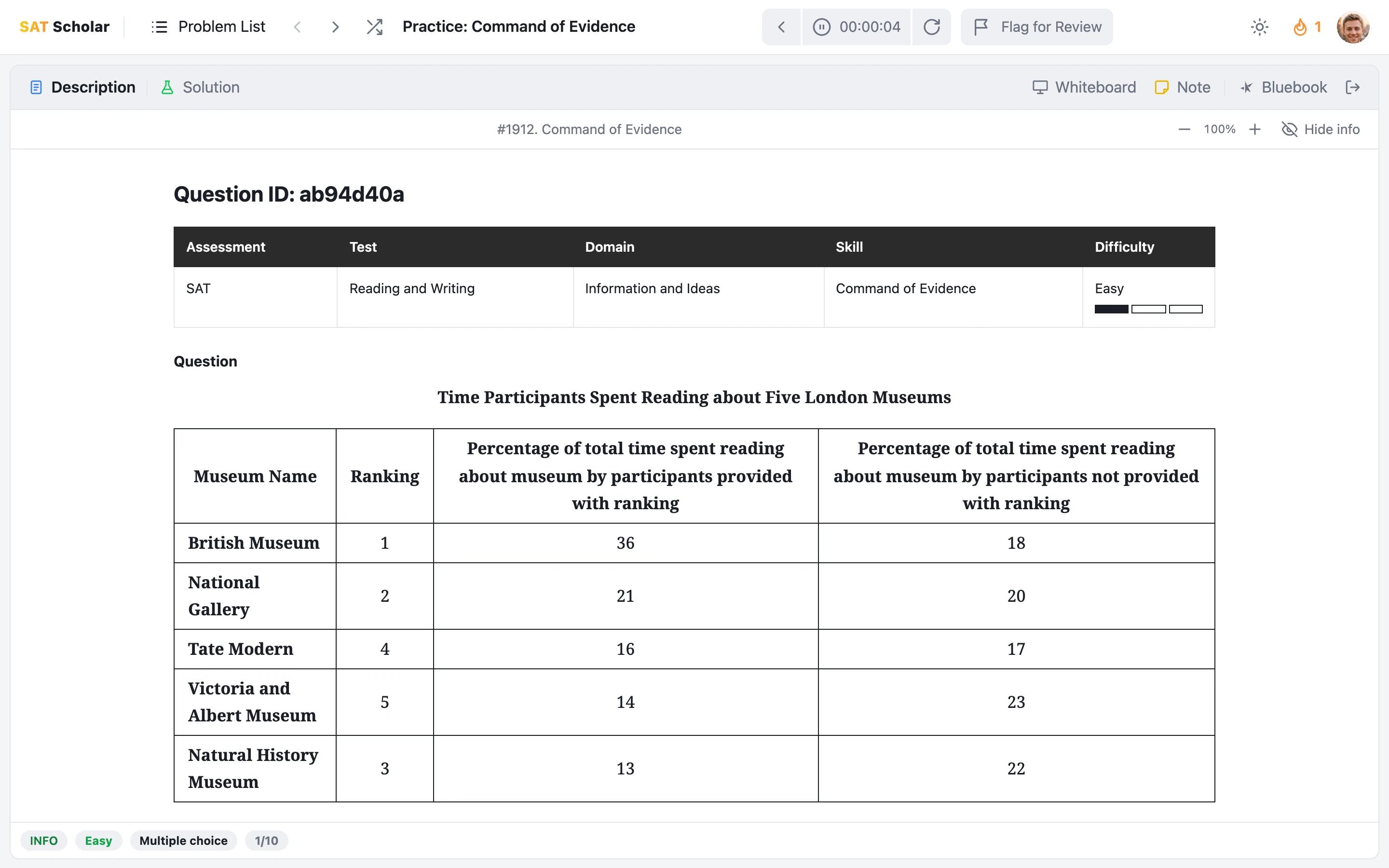
Start in Bluebook style, which looks and works like the real digital SAT: the question navigator, Mark for Review, highlights and notes, Desmos and the reference sheet. One click switches the same question to Prep style, the study workspace: clean, readable text at any size, a timer, an instant answer check and the official explanation right under it. Open the Desmos calculator, reference sheet, whiteboard and notes in windows you can drag anywhere, as many at once as you like. Make either style your default, or choose one each time you start a set.
Practice with the Desmos calculator ›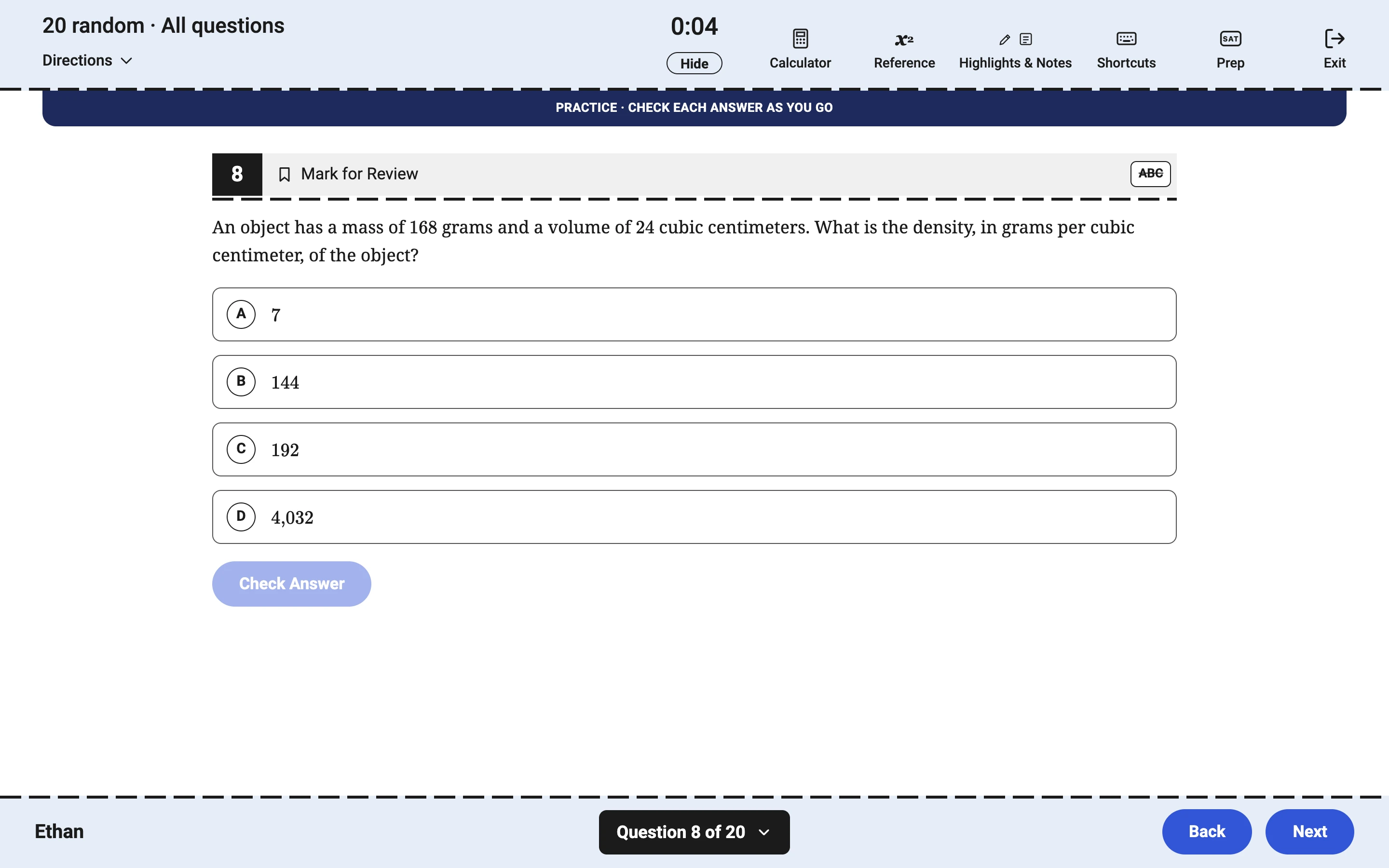
Practice Tests That Feel Like Bluebook
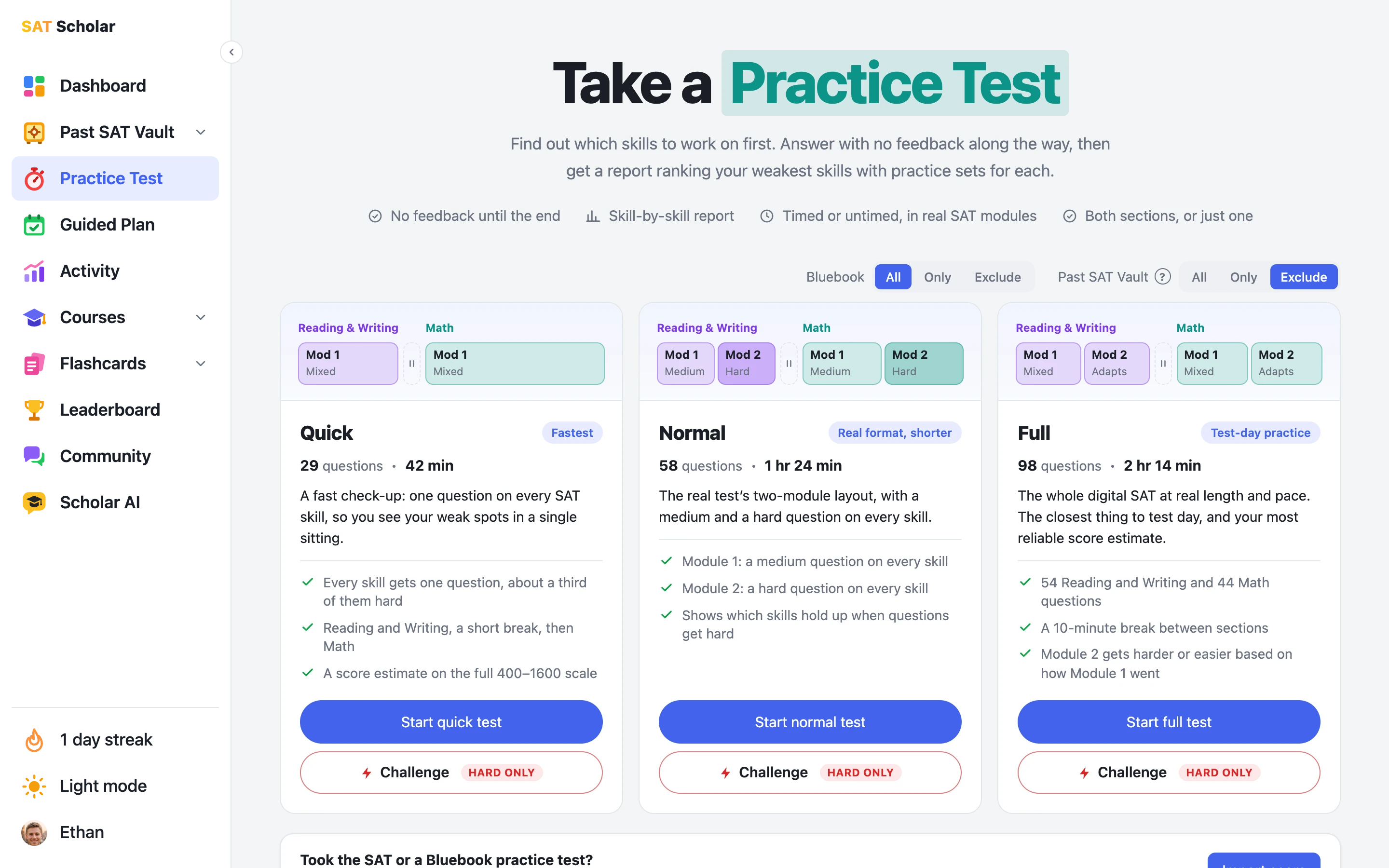
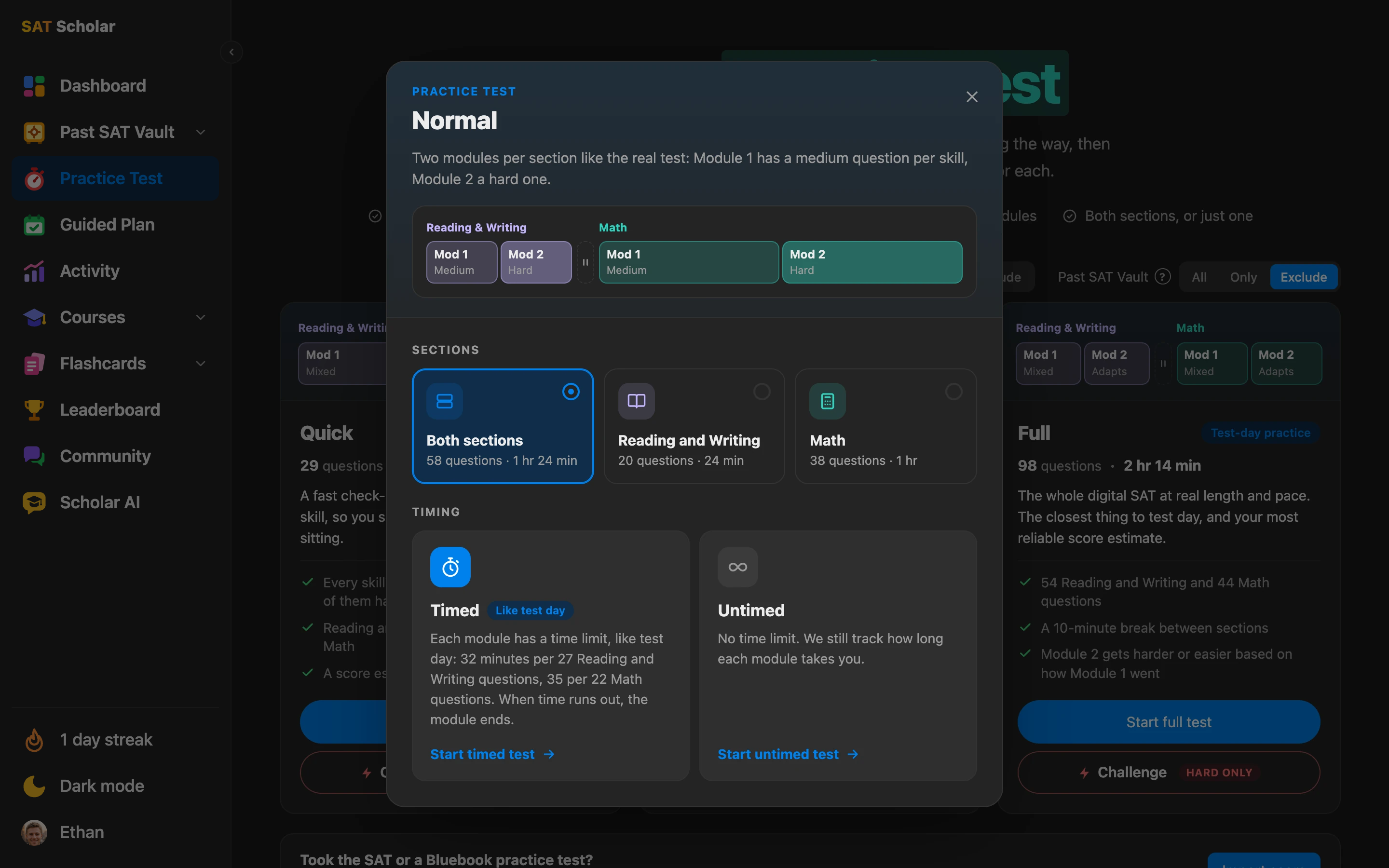
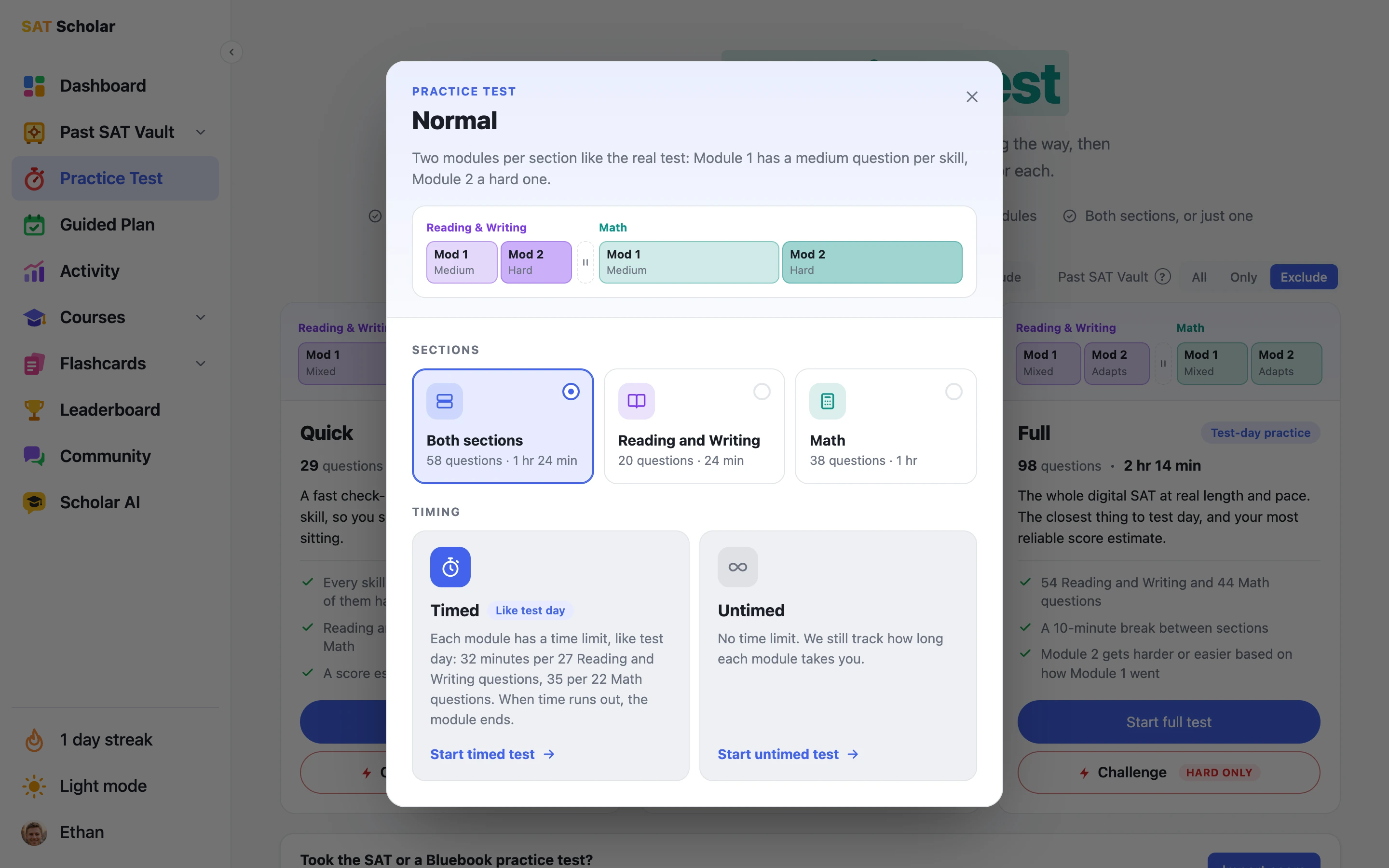
Pick a Quick, Normal or Full practice test, or a Challenge version with only hard questions. Each one opens in a screen modeled on Bluebook, the College Board's testing app: module timer, question navigator, Mark for Review, the answer eliminator, a floating Desmos calculator and the reference sheet. Like the real test, Module 2 starts right after Module 1, with a 10-minute break between sections.
Every test, Quick included, gives you an estimated score out of 1600 with a likely range, and the results show how much each skill's mastery moved. Past results line up as score cards with each section's score, how each module went and your weakest skill. Already took the SAT or a Bluebook practice test? Import your College Board score report and your guided plan starts from there.
Prefer Bluebook for everyday practice too? Choose your style when you start a set of questions, and switch any time from the top right.
Take an SAT practice test ›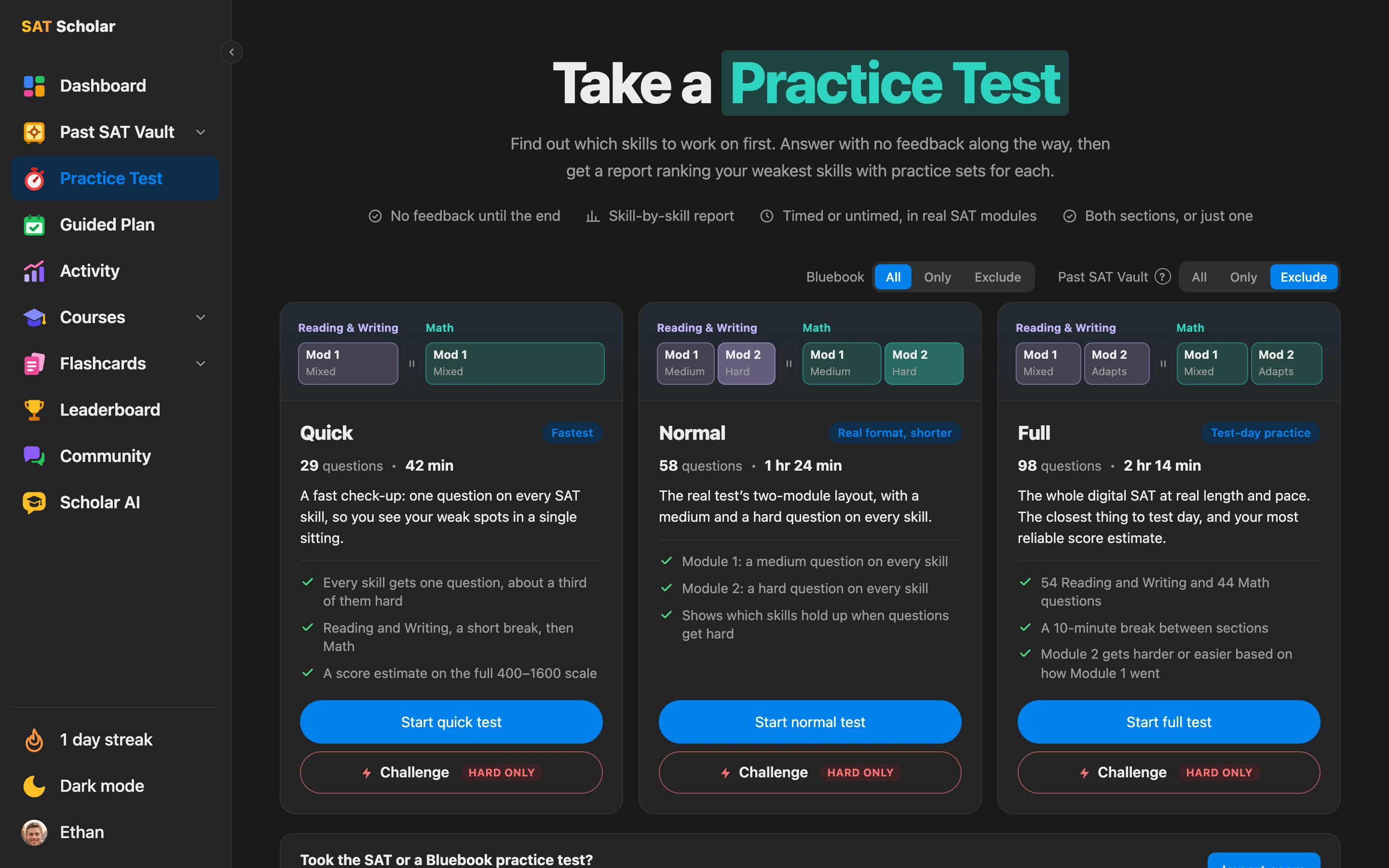
A Daily Guided Plan Built Around Your Weak Spots
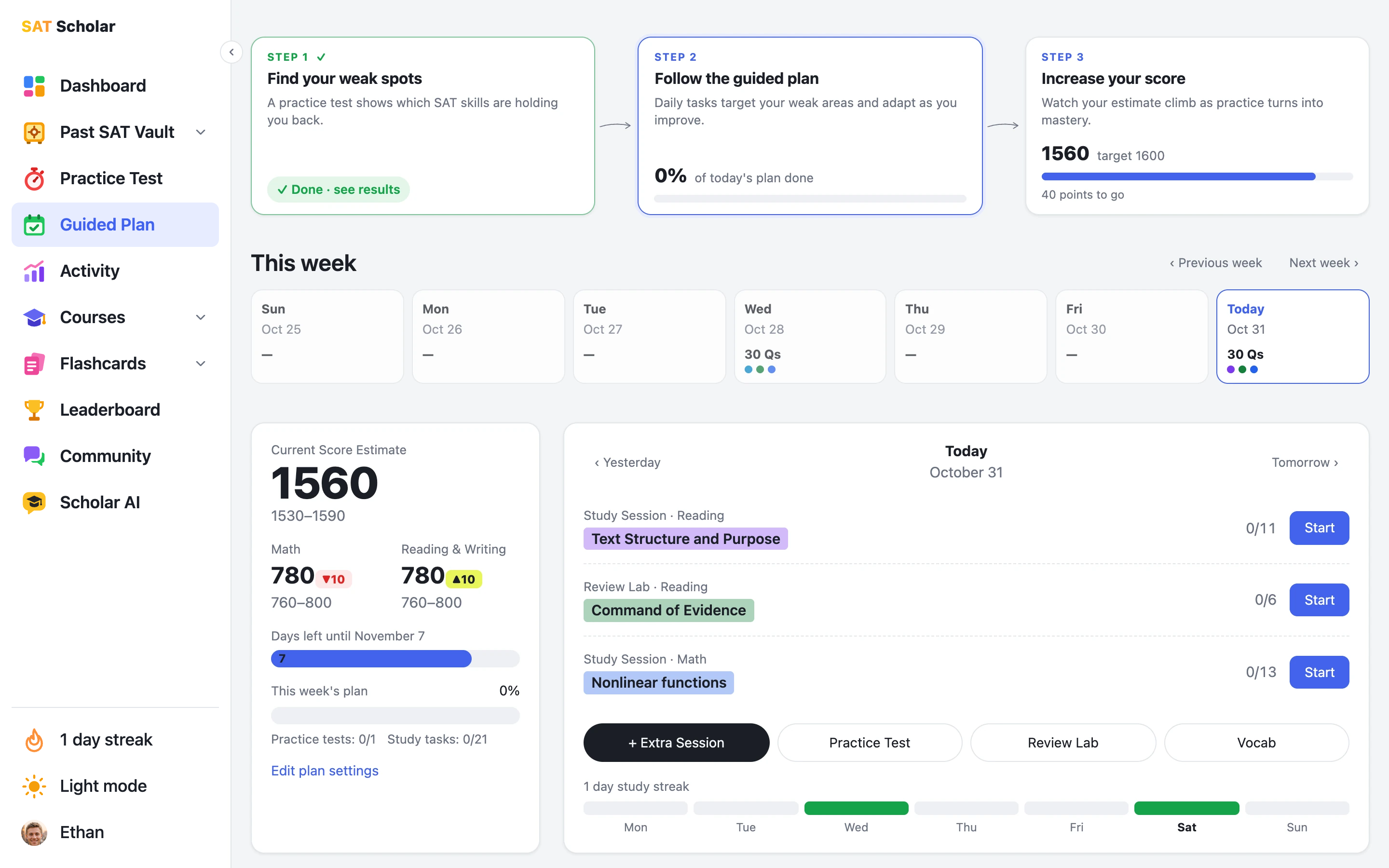
Take a practice test or import your College Board score to find the SAT skills holding you back. Pick your test date, your study days and your practice test days, down to each test's length, sections, difficulty and timing. Every day you get study sessions and review labs for your weakest skills, each ending with a summary of how you did and what's next.
A tracker at the top shows your three steps and how much of today's plan is done, the week view shows every day you studied and everything still planned, your mastery of every skill sits right under it, and your score estimate climbs as you go.
See the guided plan ›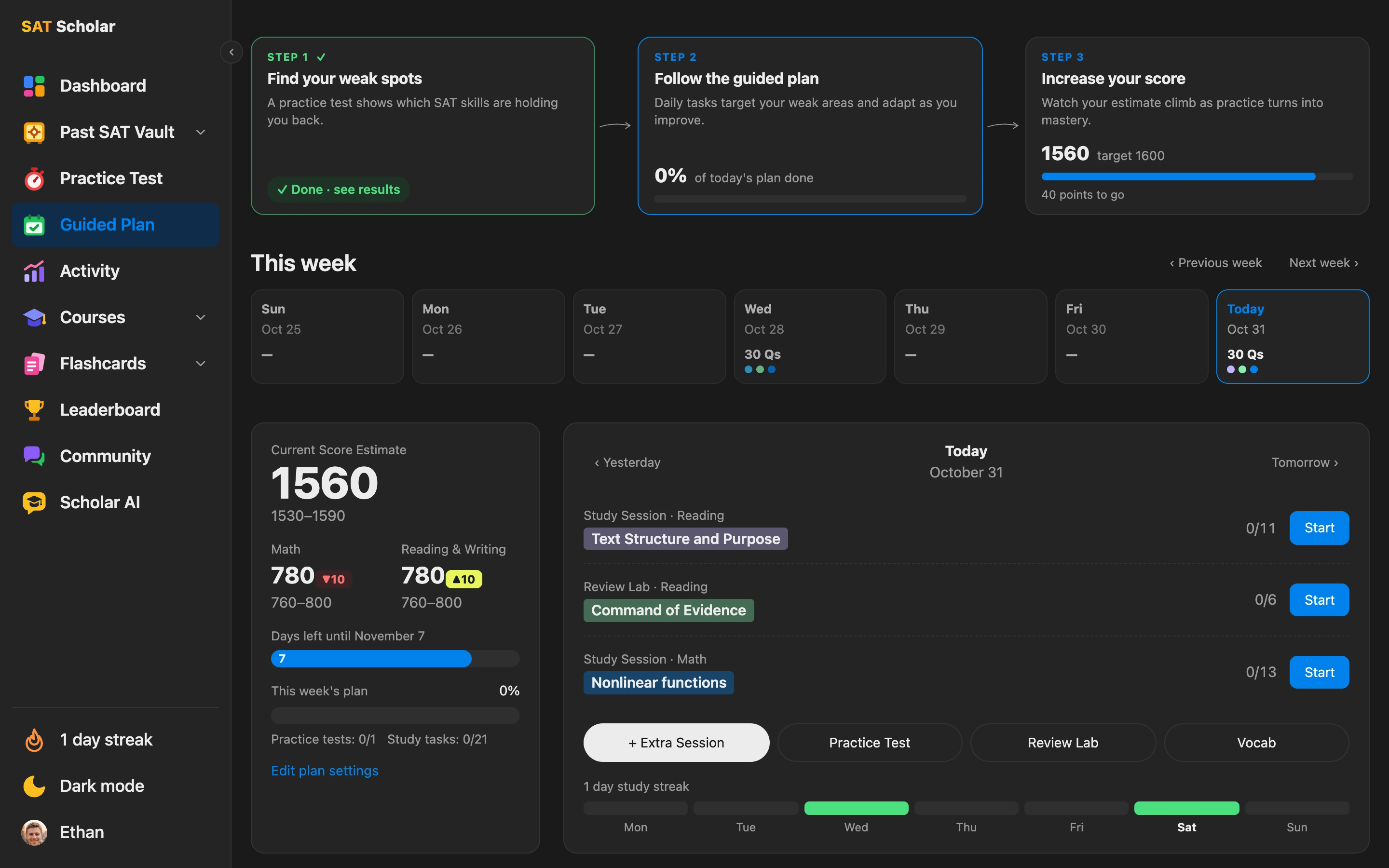
Video Courses for Math, Desmos, Reading and Writing
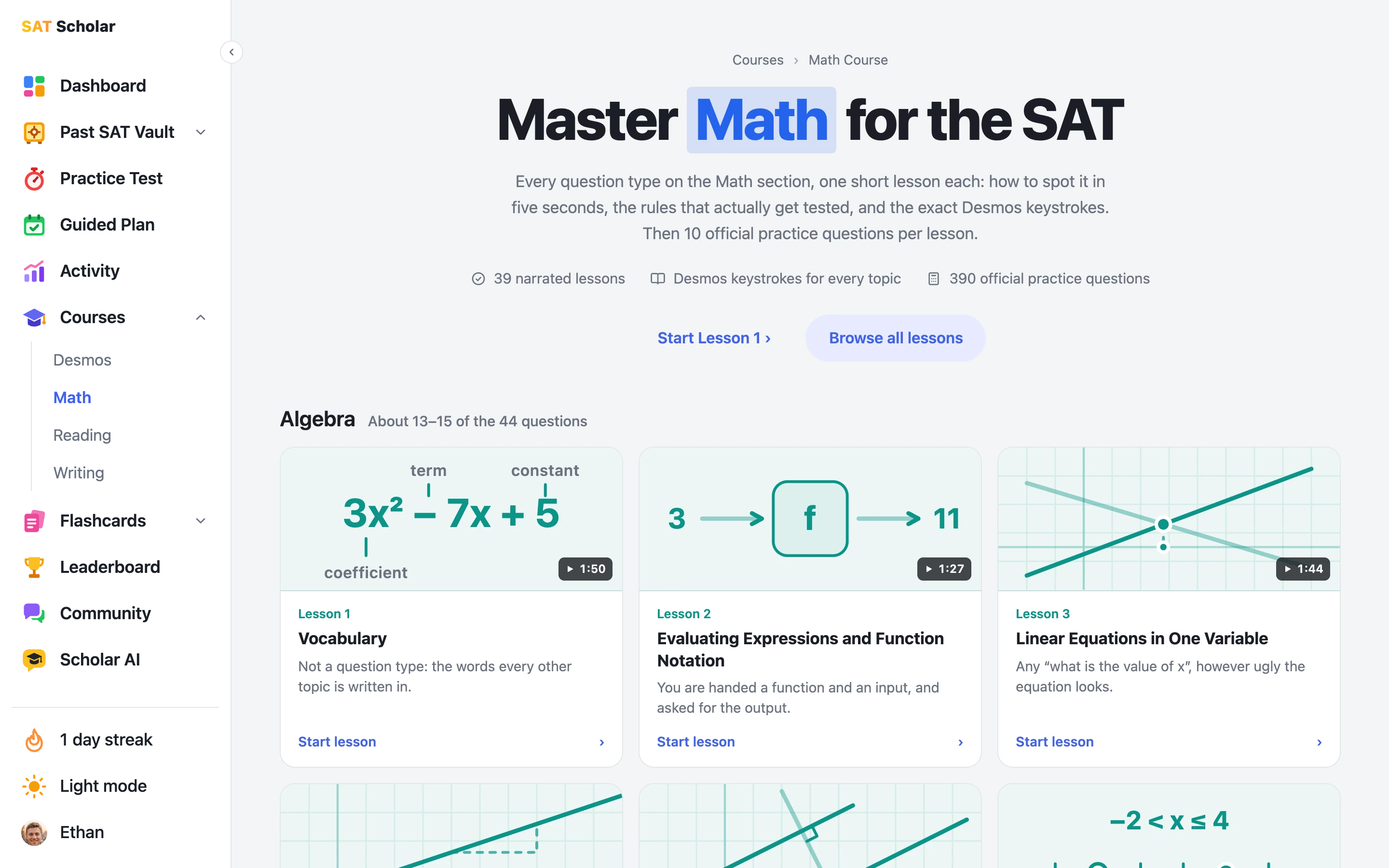
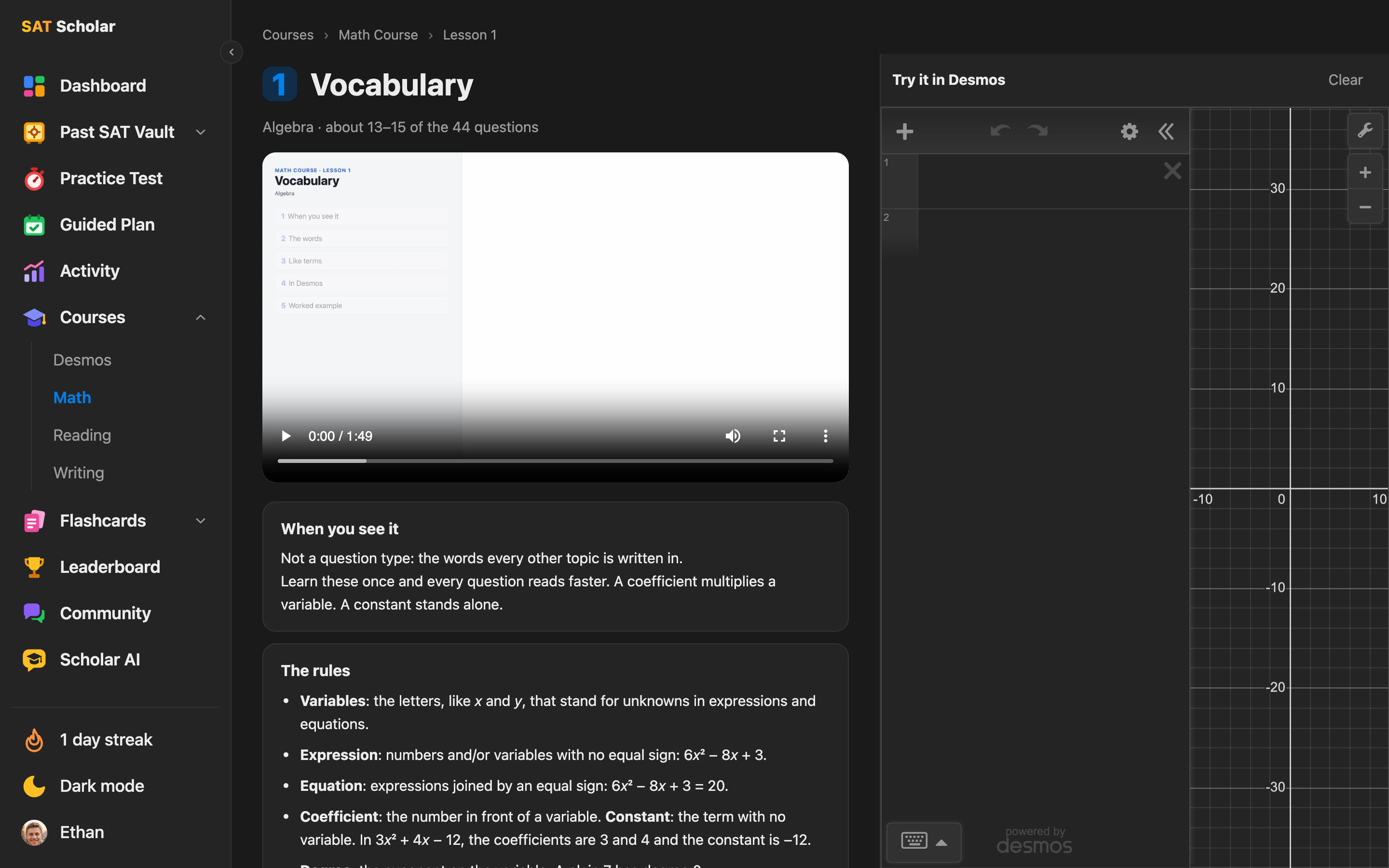
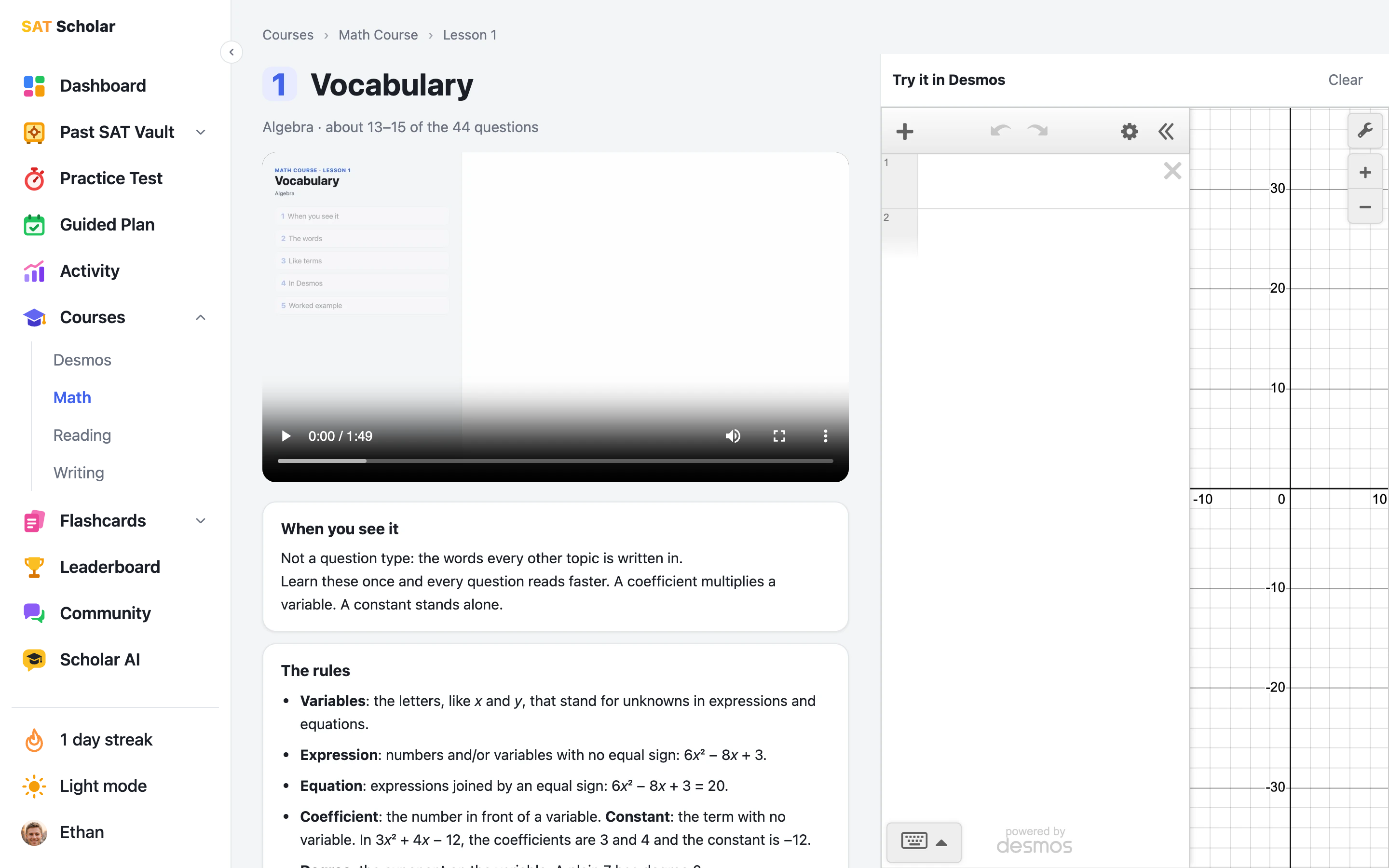
63 short narrated video lessons built from a coach's playbook: 39 for Math, 10 for Desmos, 7 for Reading and 7 for Writing. Each one gives you the rule, the exact steps and worked examples, then 10 official practice questions. Every lesson card shows a drawing of its topic, the video's length and your progress. The Math course covers every question type on the Math section, and the Math and Desmos courses load each example into a live calculator beside the lesson. Lesson 1 of every course is free to watch.
Explore the courses ›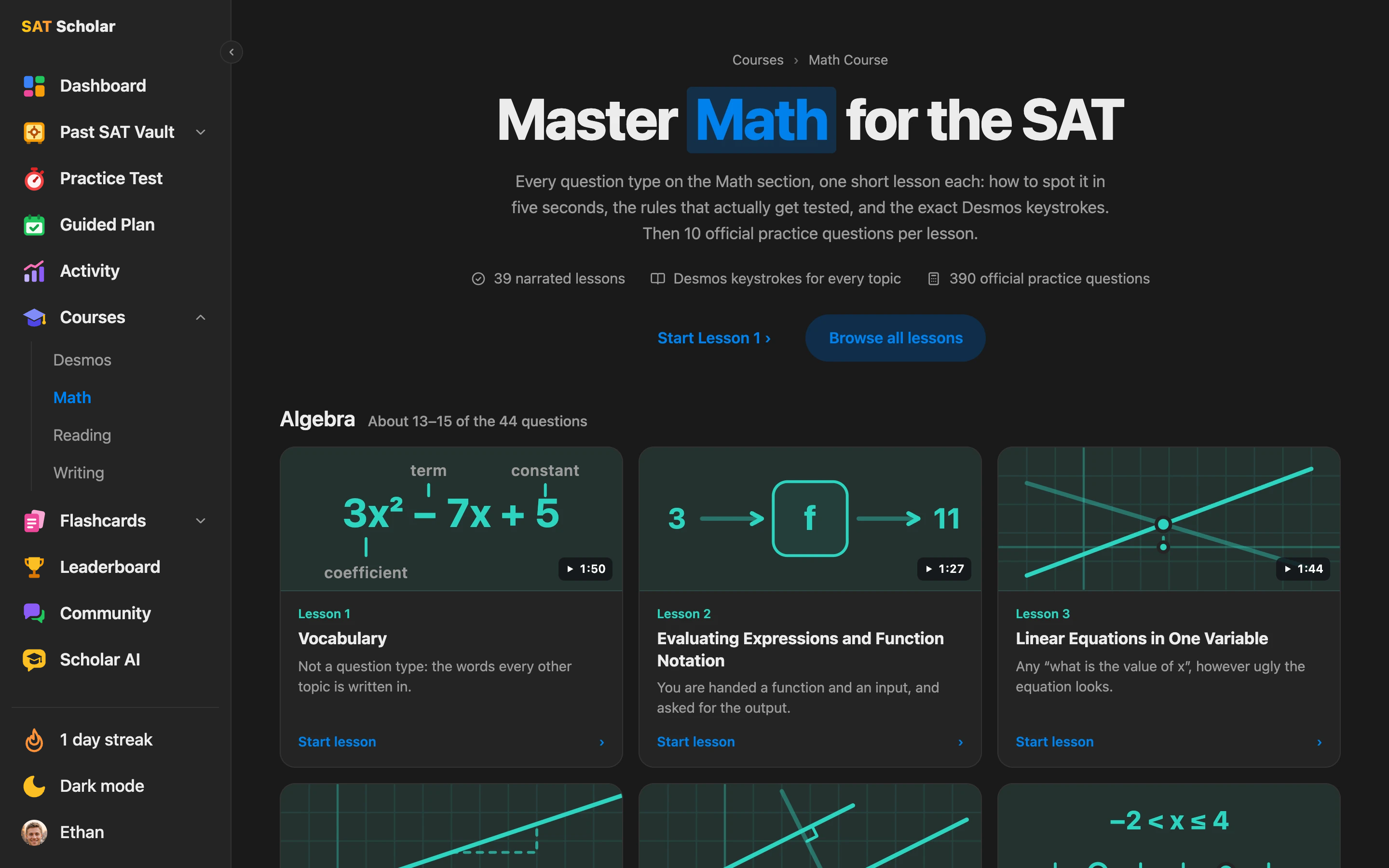
Flashcards That Track What You Miss
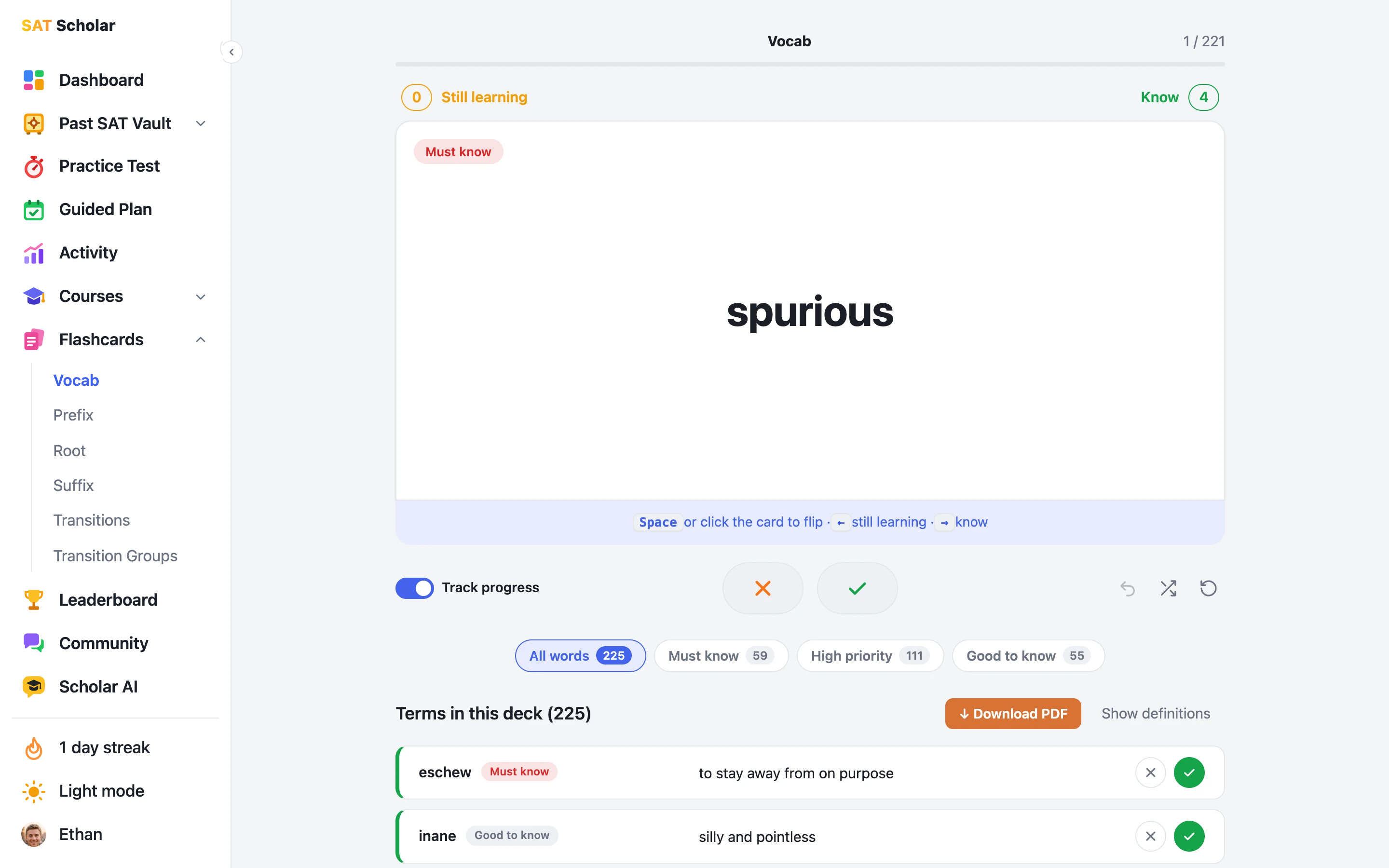
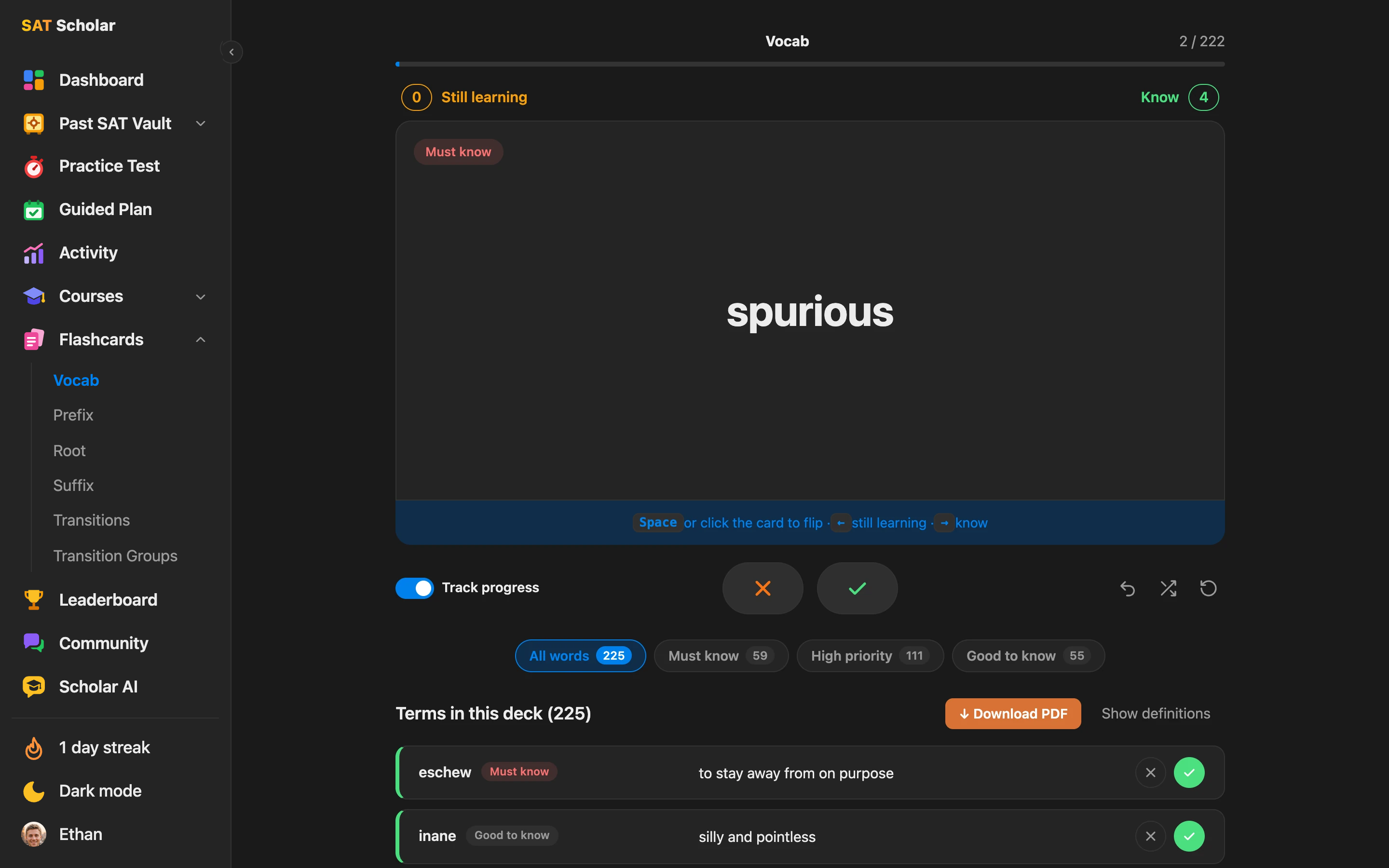
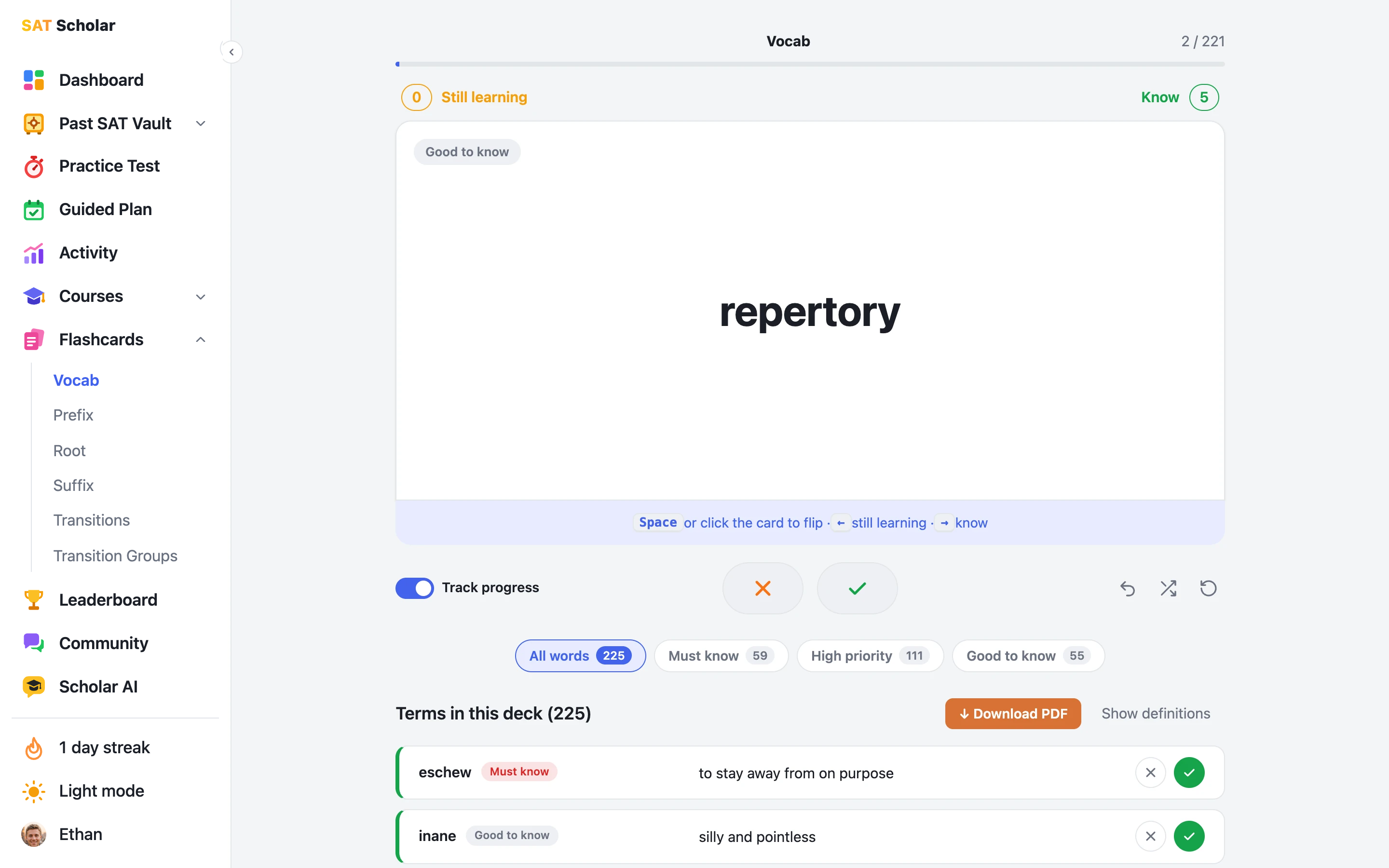
Six decks in plain English: 225 Vocab words, Transitions, Transition Groups, and Prefix, Root and Suffix decks for working out words you've never seen. Every card is marked Must know, High priority or Good to know, ranked by how often past SATs used it, and you can study one level or several together. Mark each card as known or still learning, on the card or right in the word list, come back to just the ones you missed, and reset a deck any time. Every deck is also a free PDF to download.
Study the flashcards ›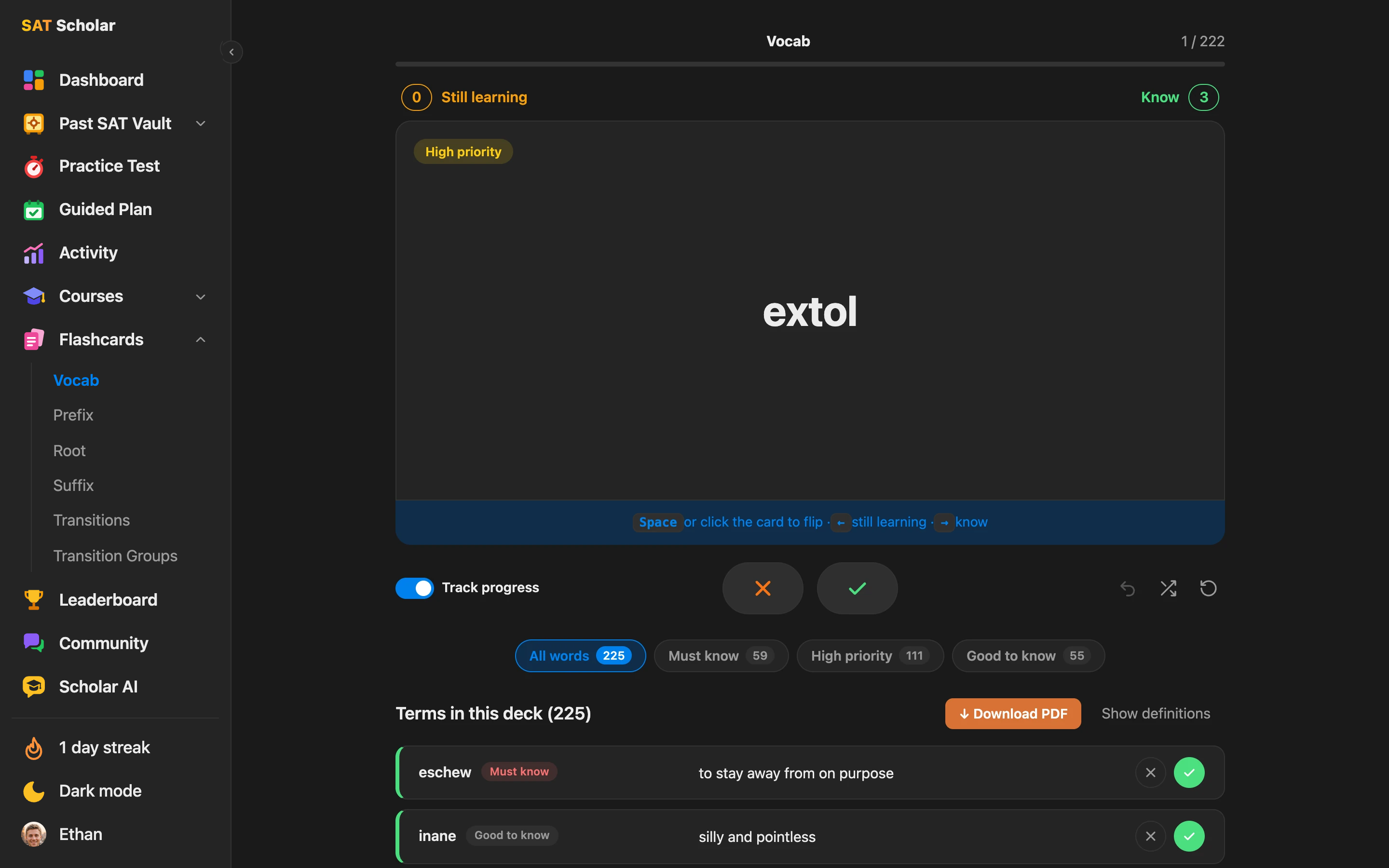
Track Your SAT Progress
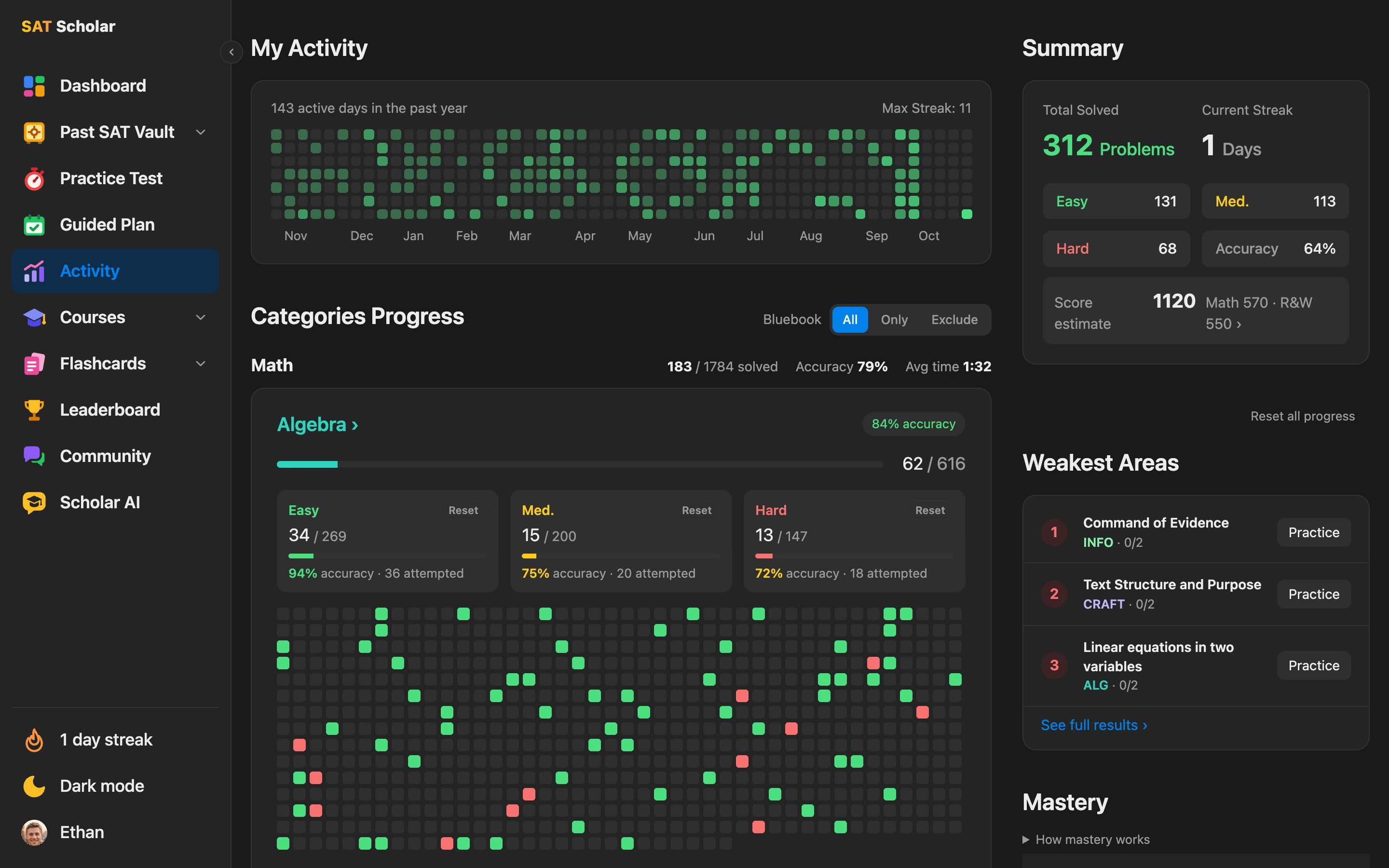
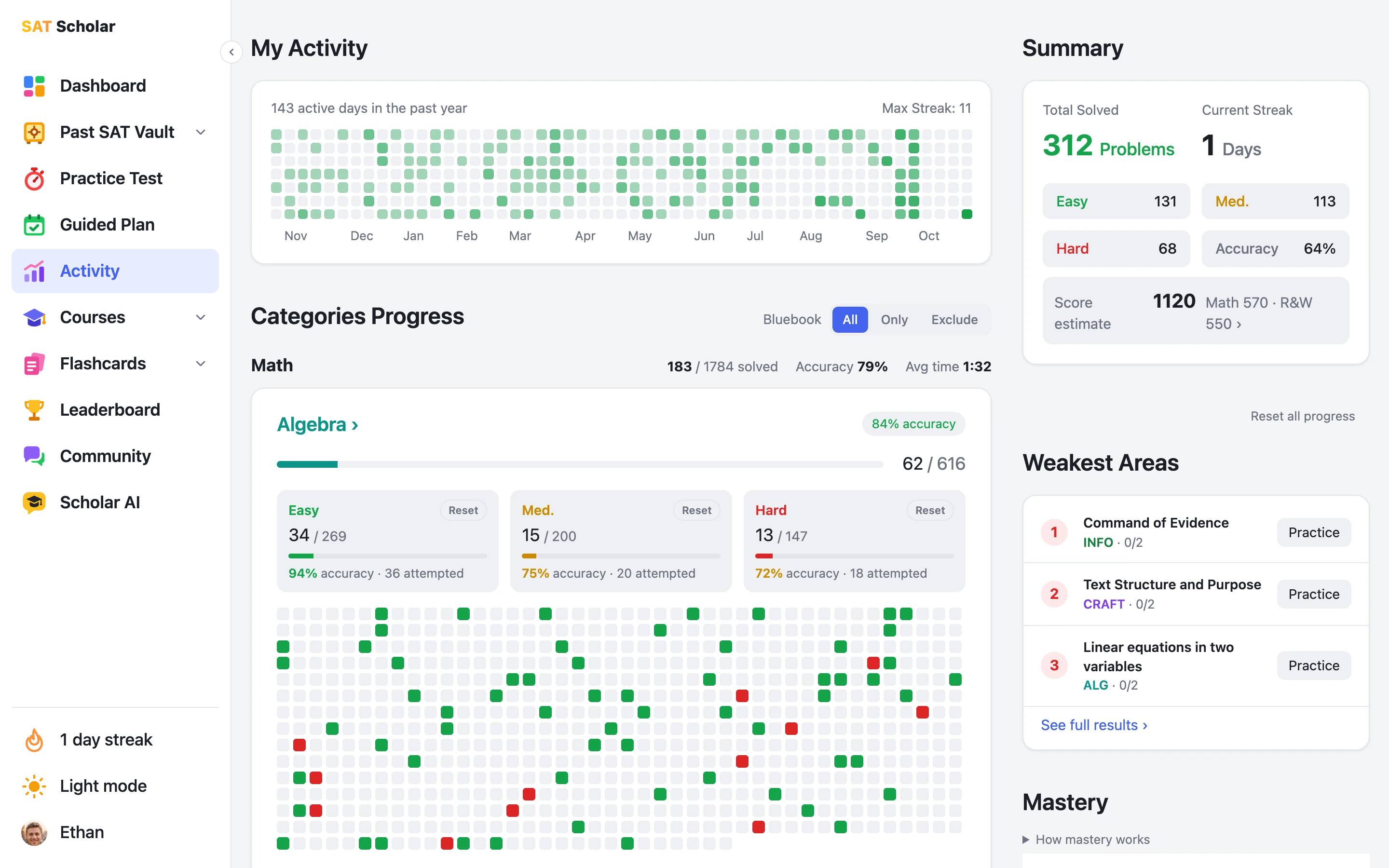
Your Activity page shows every day you practiced, your streak, accuracy by difficulty, progress in each SAT domain and your weakest areas, and you can hover any question to see it again. A daily check-in keeps your streak going even on rest days, and the flame starts burning at 3 days in a row. Your guided plan shows your mastery of every skill, so you always know what to study next.
Climb the Leaderboard
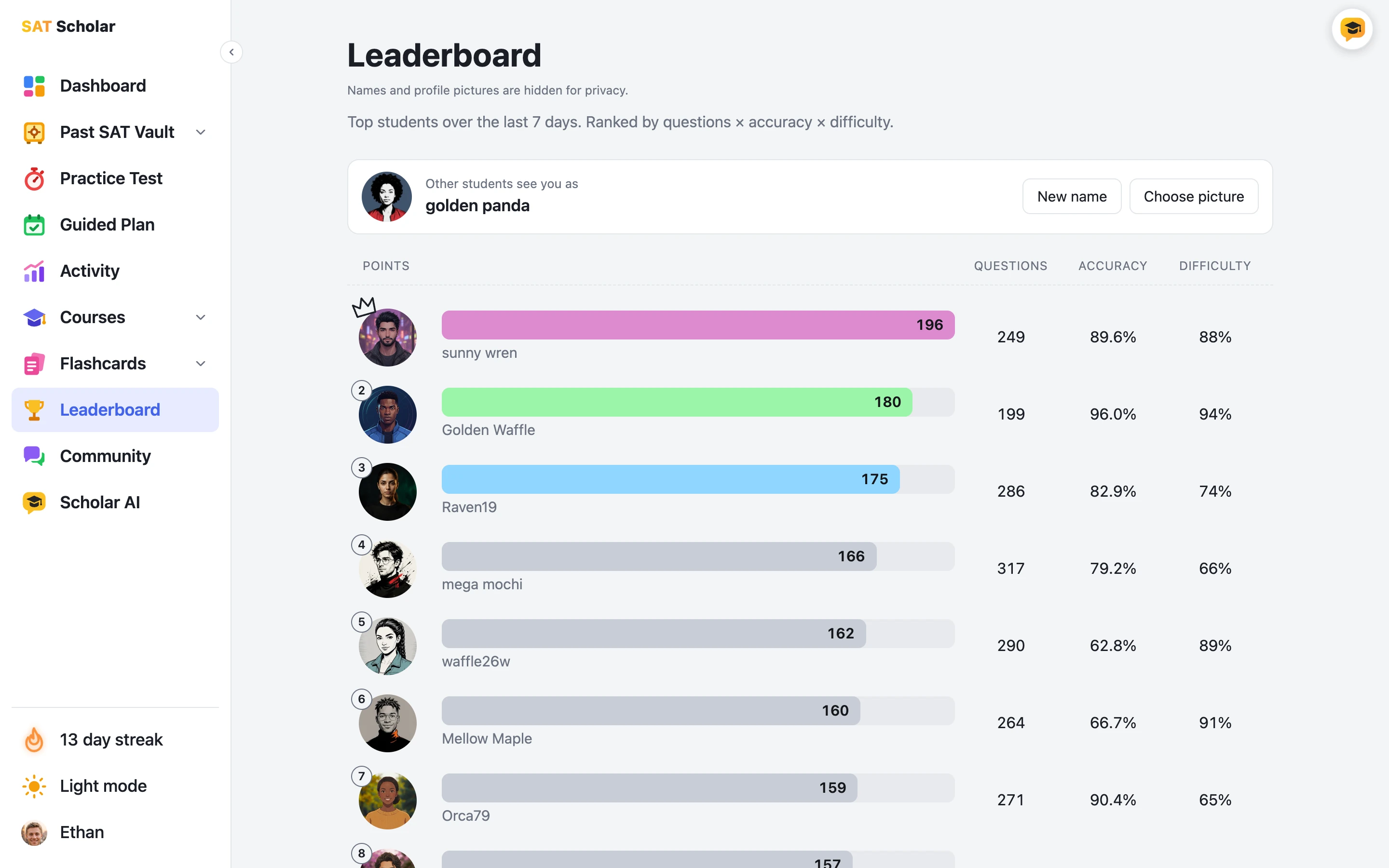
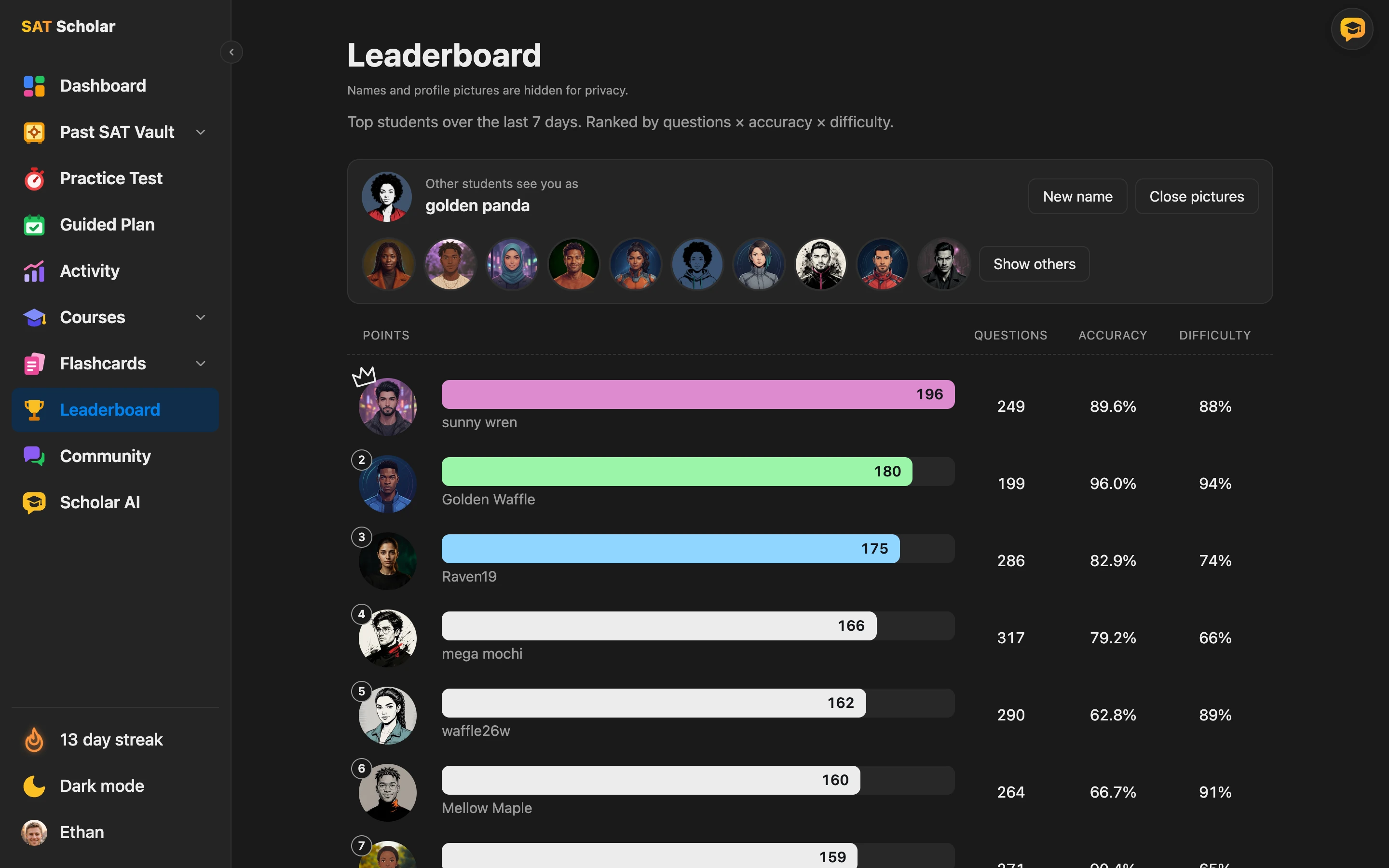
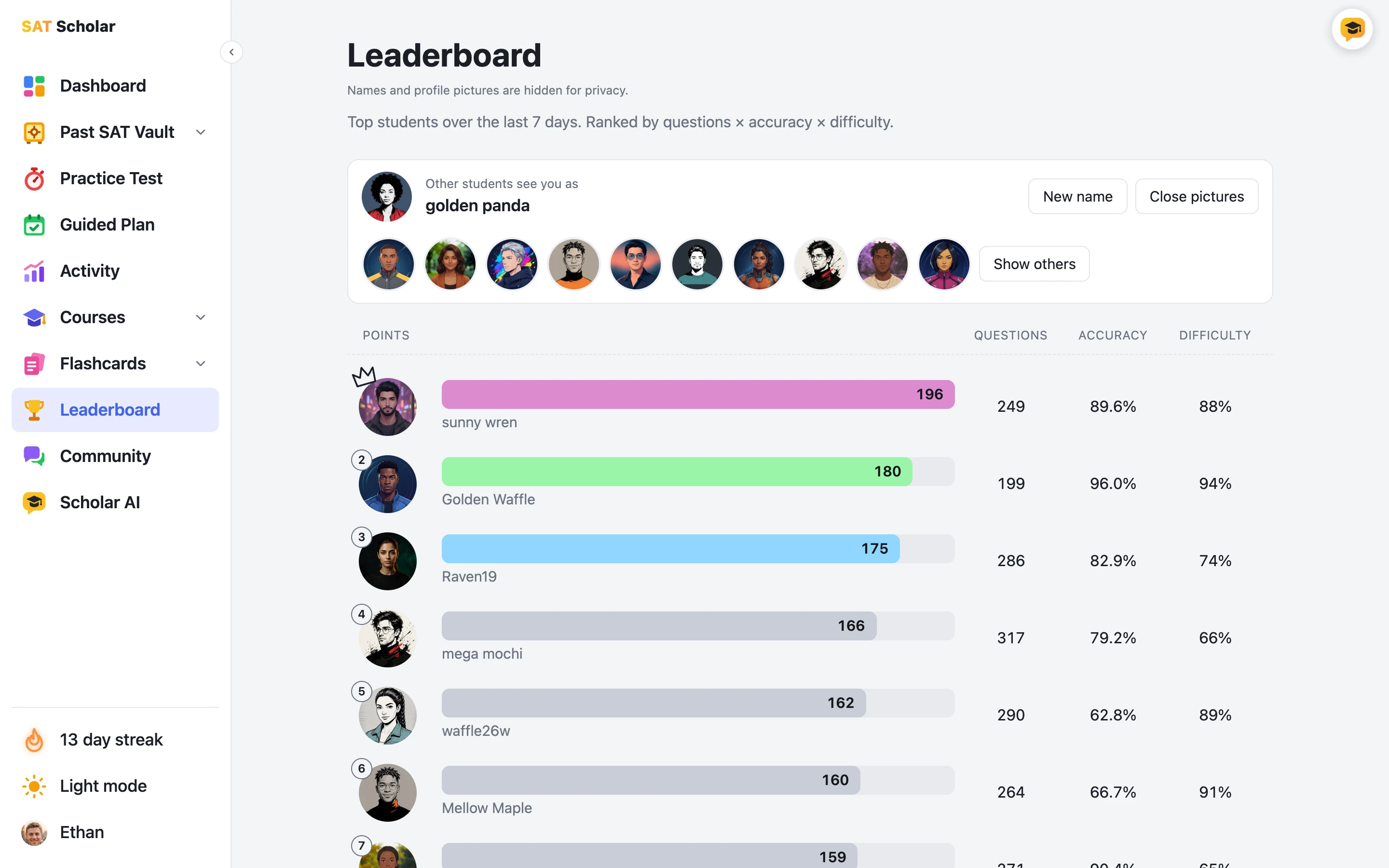
See the top 50 students of the last 7 days, ranked by questions × accuracy × difficulty. Only your first answer to a question counts, so repeating easy ones won't move you up, and hard questions are worth the most.
You show up under a random name and picture, and you can swap them any time. It's a quick reason to get a few more questions in this week.
See the Leaderboard ›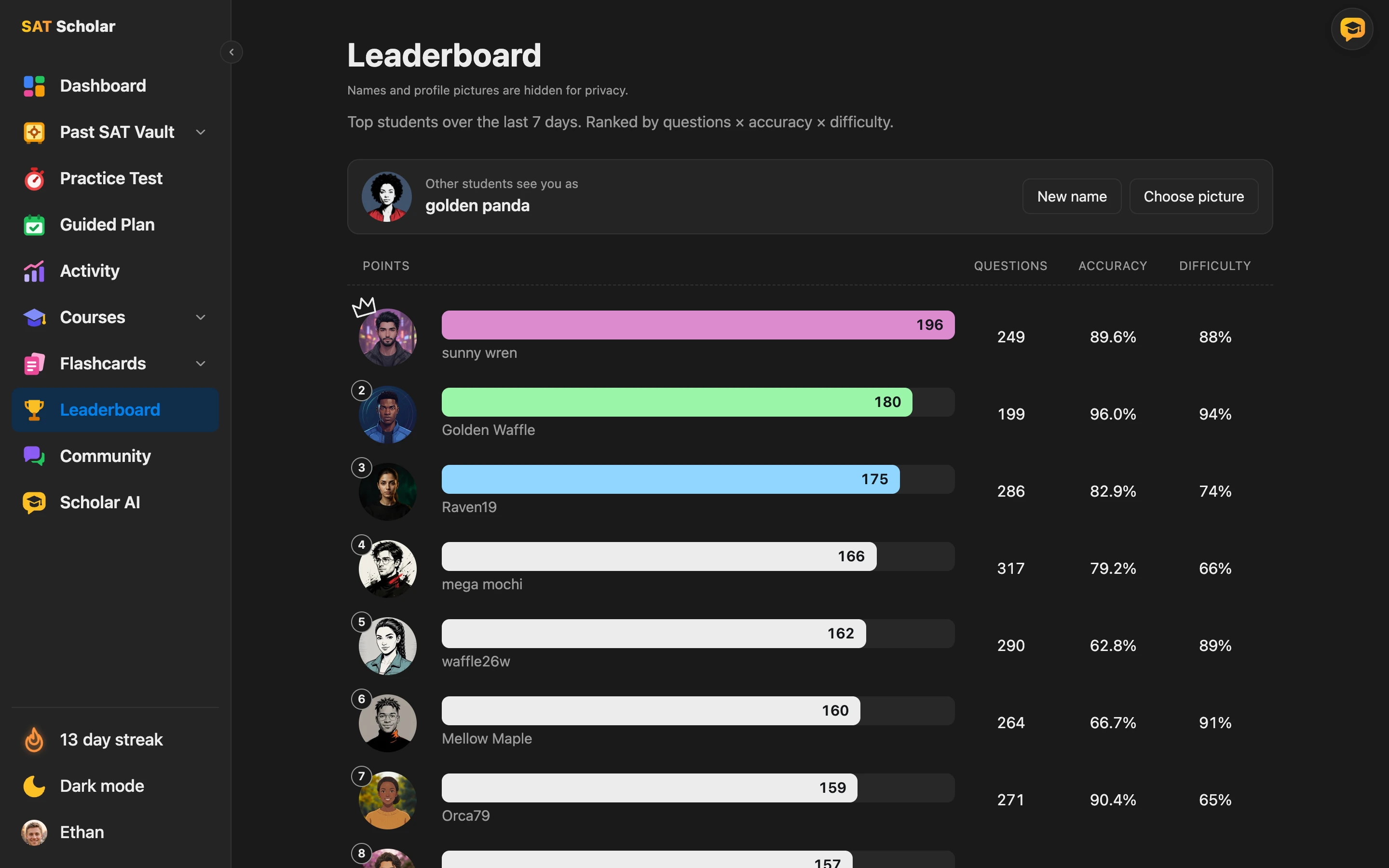
Everything in one place
Here's every page inside SAT Scholar. Open any of them from the menu.

Built by an SAT Coach
I'm Michael Vireo, a dual-degree engineer and SAT & math coach who has supported 500+ students. I built SAT Scholar so you can study the way that works best: one official question at a time, with instant feedback.
About me ›Start Your SAT Practice Today
Try a question now, then get access to the full SAT question bank.
Frequently Asked Questions
Are these real SAT questions?
Yes. Every question comes from the College Board's official SAT question bank, with the official answer and explanation.
Is this practice for the digital SAT?
Yes. The questions, domains and skills match the current digital SAT, for both Math and Reading and Writing, and the built-in Desmos calculator matches the one on test day.
Does it look like the real test?
Practice tests open in a screen modeled on Bluebook, the College Board's testing app, with the module timer, question navigator, Mark for Review, answer eliminator, Desmos calculator and reference sheet. For everyday practice you can pick Bluebook style or Prep style, our study workspace with the explanation right under your answer, and switch any time.
Can I add my real SAT score?
Yes. Import an official SAT or Bluebook practice test score with your section scores and the band for each domain. It counts toward your score estimate, skill mastery and guided plan, and newer practice outweighs it over time.
What is the Past SAT Vault?
A members-only collection of 1,411 questions students recalled after every digital SAT from March 2023 on, rebuilt with answers and explanations. Practice them by test date or by skill, see the patterns the SAT keeps testing, and retry the ones you missed. It opens once your paid plan starts, and anyone can try 9 questions free.
How many SAT practice questions are there?
3,770 questions: 1,925 Math and 1,845 Reading and Writing, across 8 domains and 29 skills, from easy to hard.
What is Scholarly Tutor?
Scholarly Tutor is the AI tutor built into SAT Scholar. Ask it about a practice question, your weak spots, what the SAT keeps testing, or how to work a problem in Desmos. It won't give the answer to a question you haven't tried yet, and it's off while you take a practice test. Members, trials included, get 50 messages a day, and without an account you can read sample chats. Scholarly Tutor can make mistakes, so check it against the official explanation.
How do I get access?
Choose a weekly, monthly or annual plan on the pricing page. Every plan starts with a 3-day free trial, and your card is only charged when the trial ends (cancel before then and you pay nothing). After checkout we email you a link to choose your password so you can sign in right away. Without an account you can try 5 questions, Lesson 1 of each course, the Transition Groups flashcards and the first 5 cards of every other deck, 9 Past SAT Vault questions, and look around a sample student's guided plan and Activity page.